



Loading the Elevenlabs Text to Speech AudioNative Player...
Adding hyperlinks to your Microsoft Word documents is a great way to make your content more interactive and engaging. Hyperlinks allow you to connect different parts of your document, link to external websites or files, and create a more dynamic reading experience.
Ready to make your Microsoft Word documents more interactive? Let's dive into how to add hyperlinks to external links in Microsoft Word.
How to add "hyperlinks" in Microsoft Word
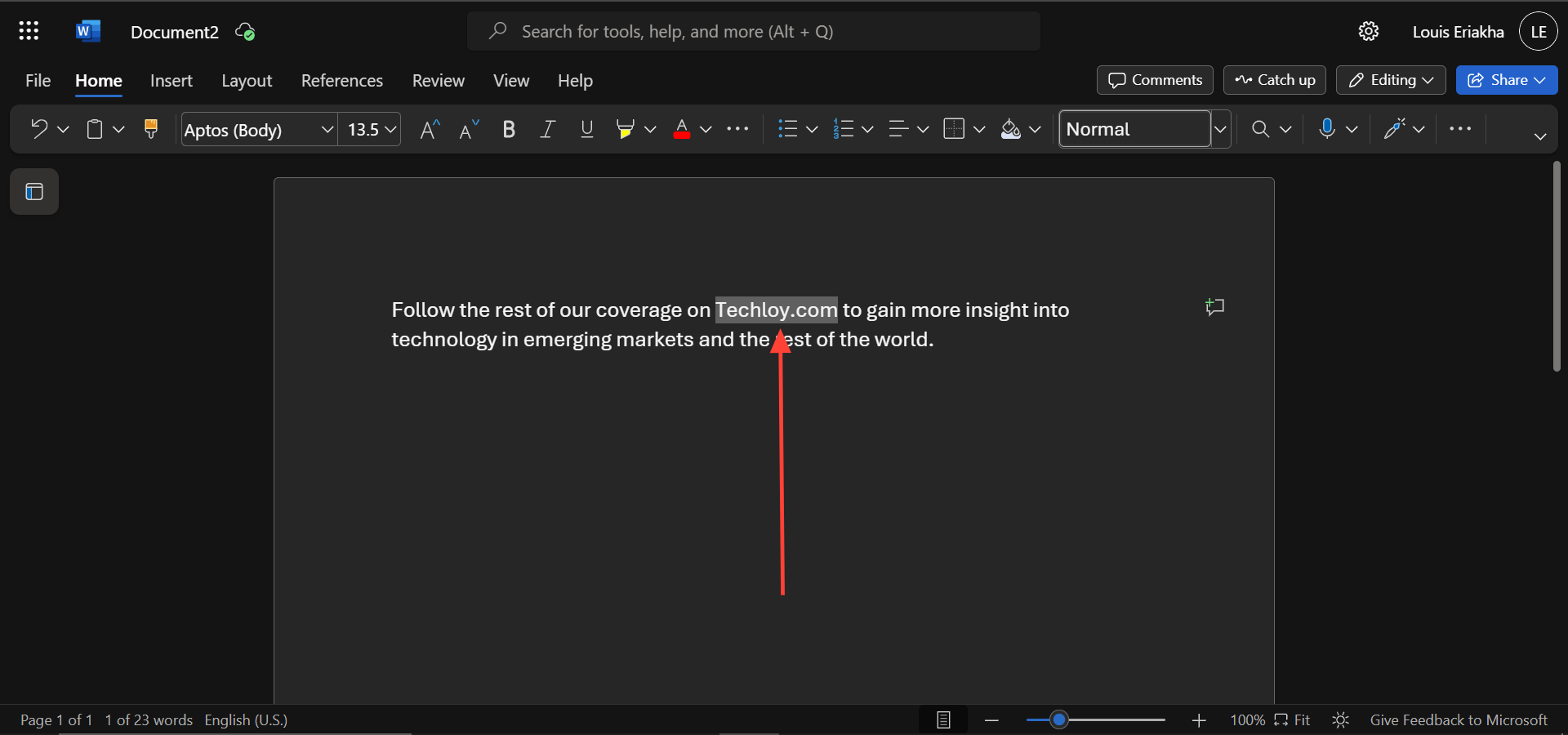
Step 1: Highlight the text you want to link. In this, the text "Techloy.com" is highlighted
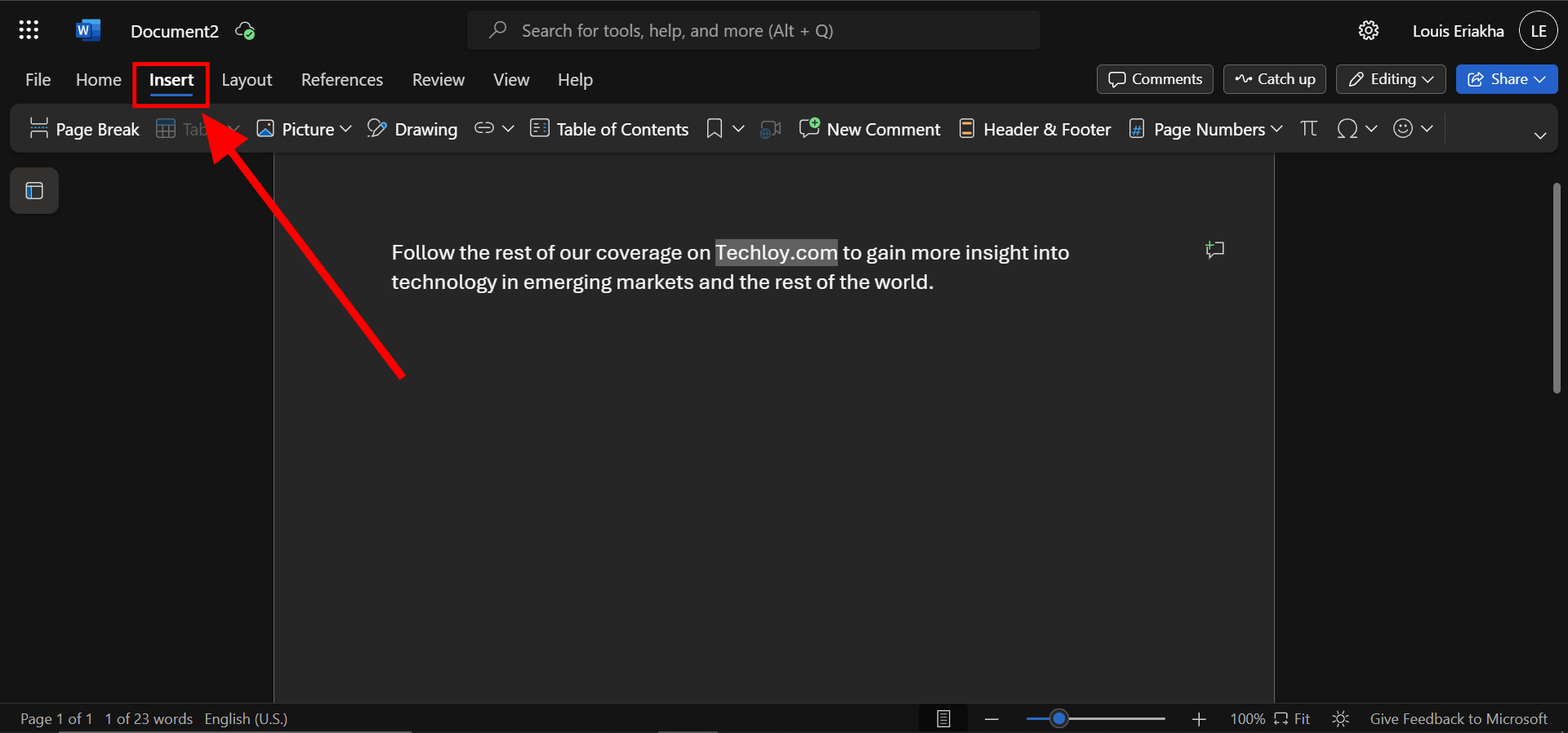
Step 2: Select insert
Subscribe for free to continue reading this article
Subscribe SubscribeAlready have an account? Log in


