



Loading the Elevenlabs Text to Speech AudioNative Player...
Instagram Stories are pretty popular for quick updates, but sometimes a single format doesn’t fully capture what you want to share. Maybe you want to overlay a photo onto a video to highlight a moment or showcase a product in action alongside a still image.
Instagram allows users to add both video and photo elements to the same story, giving you more creative freedom. Here’s a quick and easy way to do it.
How to hide your Instagram story from others
Gain more control over your privacy by easily hiding your Instagram stories from specific users, ensuring only the right audience sees your content.
 Kelechi Edeh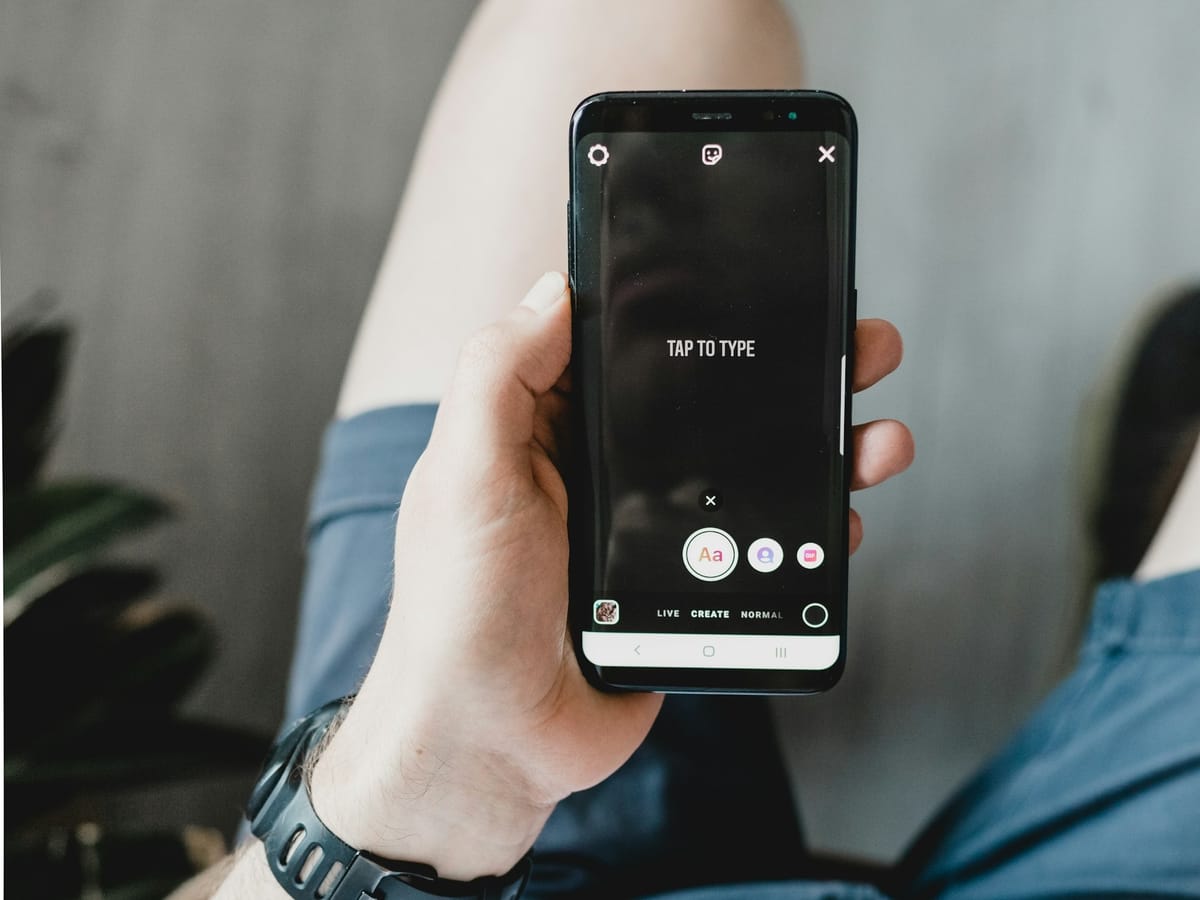
7 step to adding video and photo in an Instagram Story
💡
Make sure the app is updated to the latest version to access all available features.
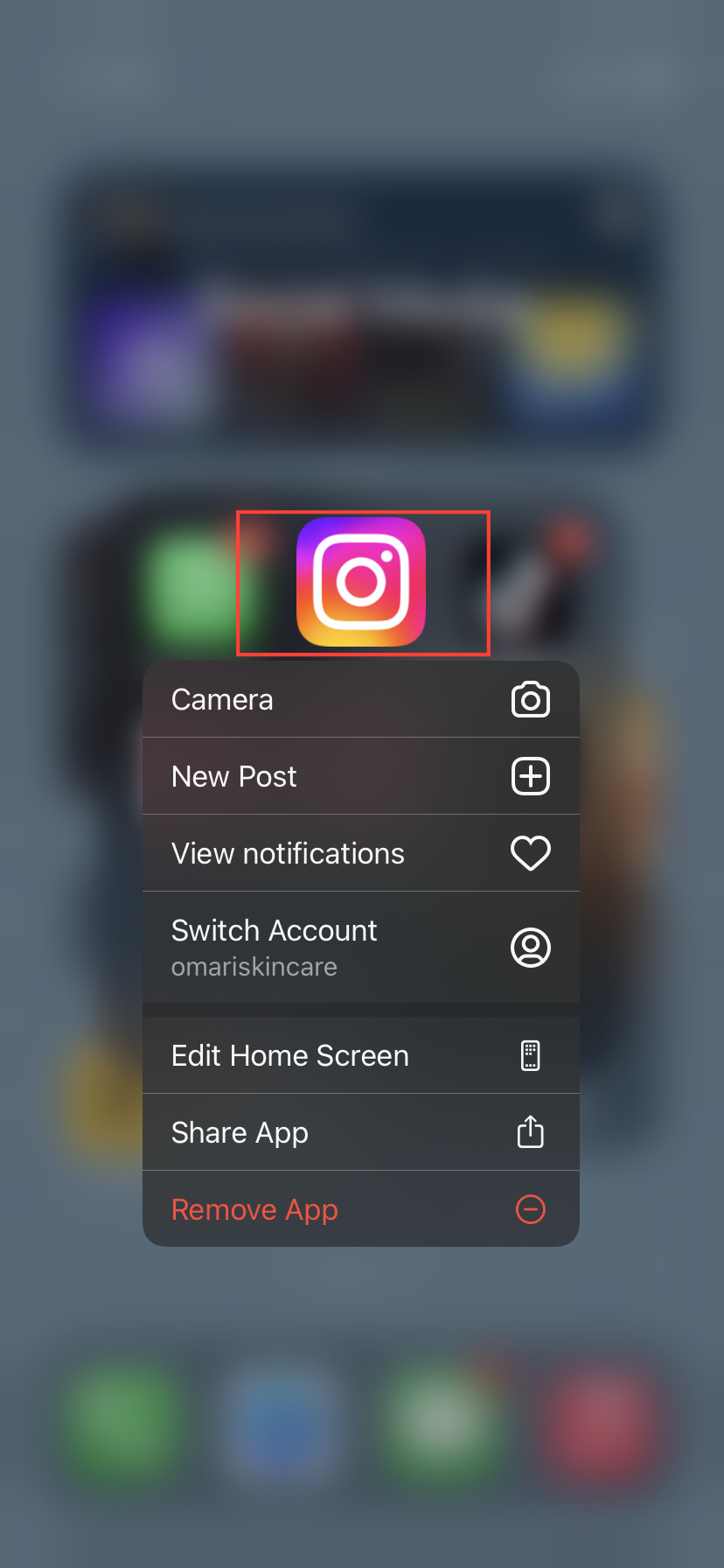
Step 1: Launch the Instagram app on your Android or iPhone. Even though I'll be using an iPhone for this, you can follow the same steps for your Android device.
Subscribe for free to continue reading this article
Subscribe SubscribeAlready have an account? Log in


