



Google Maps StreetView feature is a very versatile tool when navigating. It offers a first-person perspective tool that features recent photos of streets, buildings, and homes that can guide you right to the doorstep of the establishment you're going to.
However, while it does offer many conveniences, Google Maps could also pose a risk to your privacy by allowing anyone to view detailed images of your home, potentially compromising your safety.
Whether you’re worried about potential burglars scoping out your property or if you value your privacy, this article will guide you on how to secure your safety by blurring your home on Google Maps.
 David Adubiina
6 steps to blur your home image on Google Maps
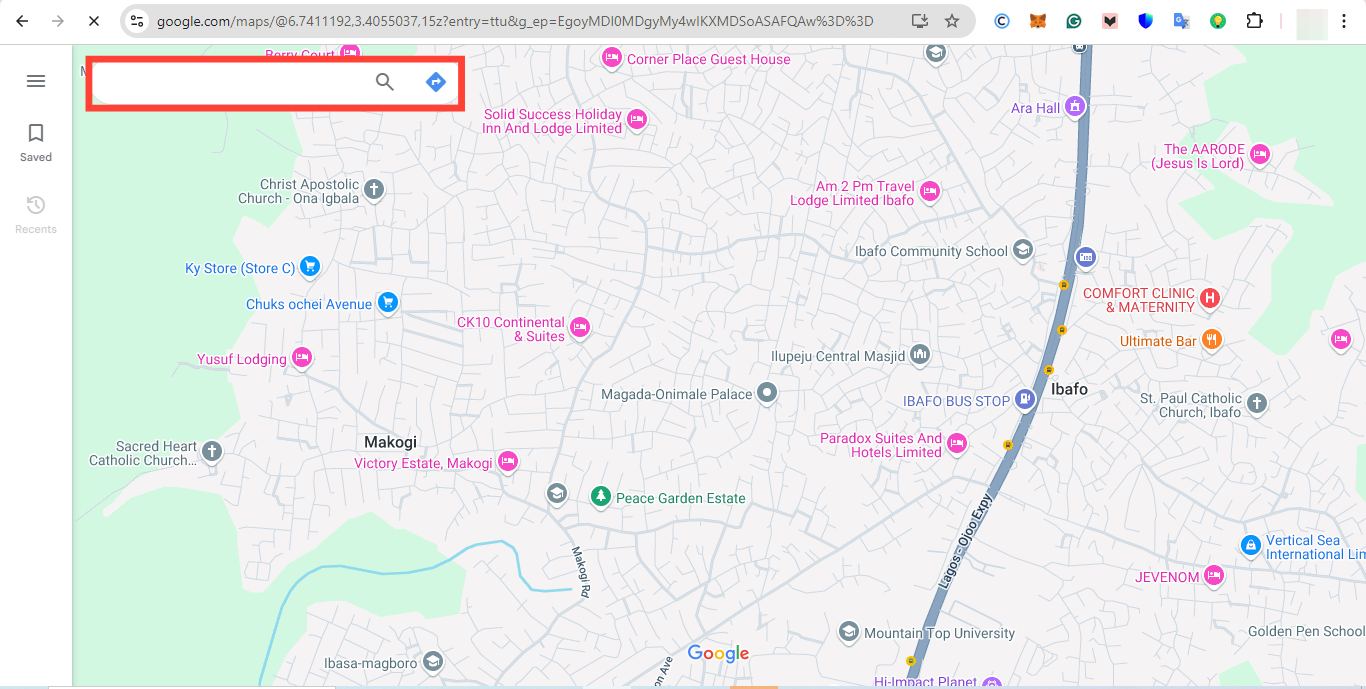
Step 1: On your PC, go to maps.google.com and enter your home address in the search bar on the top-right.
Subscribe for free to continue reading this article
Subscribe SubscribeAlready have an account? Log in


