



Loading the Elevenlabs Text to Speech AudioNative Player...
Scrolling through your Instagram feed and seeing little notes popping up on posts and reels can feel a bit distracting. Instagram's notes feature, designed to add interaction between friends, doesn’t always hit the mark.
Instead, it can clutter your screen and take away from the content you want to focus on. Fortunately, there’s an easy way to turn this feature off, so you can enjoy a cleaner, more focused Instagram experience. Let’s walk you through the steps.
How To Share Videos with Instagram Notes
In addition to the Instagram Notes feature that allows users to share their thoughts and ideas with their followers, Instagram has introduced a new feature called Video Notes, which allows users to share disappearing 2-second videos as Notes. While video notes seem exciting, you can however only record a two-second
 Oyinebiladou Omemu
💡
Make sure your Instagram app is updated to the latest version.
4 steps to disabling Notes on Instagram Posts and Reels
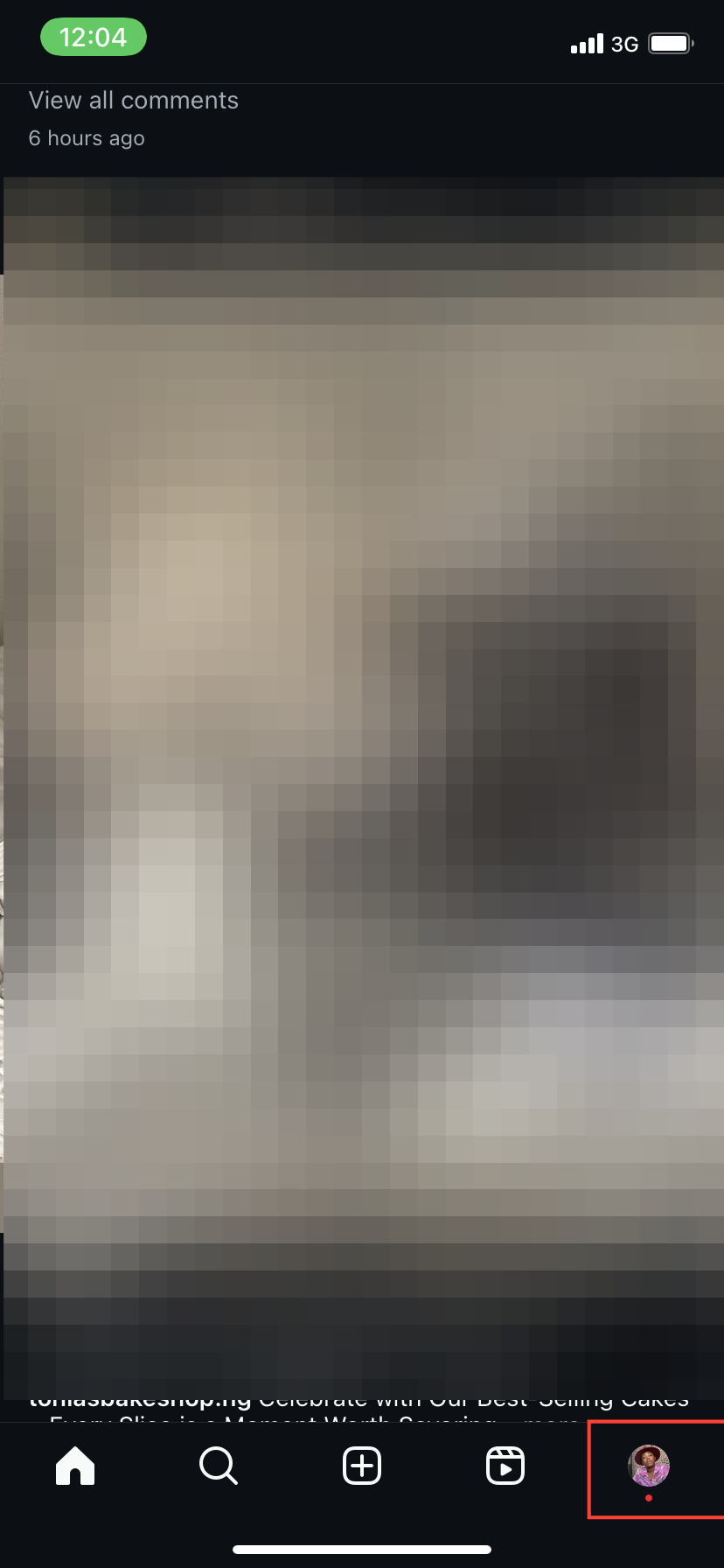
Step 1: Launch the Instagram app on your iPhone or Android device. Then, tap the profile icon in the bottom-right corner of your screen to open your Instagram profile.
Subscribe for free to continue reading this article
Subscribe SubscribeAlready have an account? Log in


