



Loading the Elevenlabs Text to Speech AudioNative Player...
Instagram tags can be a fun way to share memories, but not every tagged photo is something you want displayed on your profile. When someone tags you in a post, it automatically appears in the “Tagged” section, visible to anyone who views your profile.
Thankfully, Instagram gives you control over which tagged photos are visible. Here’s how to hide those tagged posts and keep your profile looking just the way you want.
How to use Instagram collections to organize liked posts
This guide will help you manage and access memes or clips from your favorite animes easily without stress.
 David Adubiina
Method 1: Hide Individual Tagged Photos Directly from Your Profile
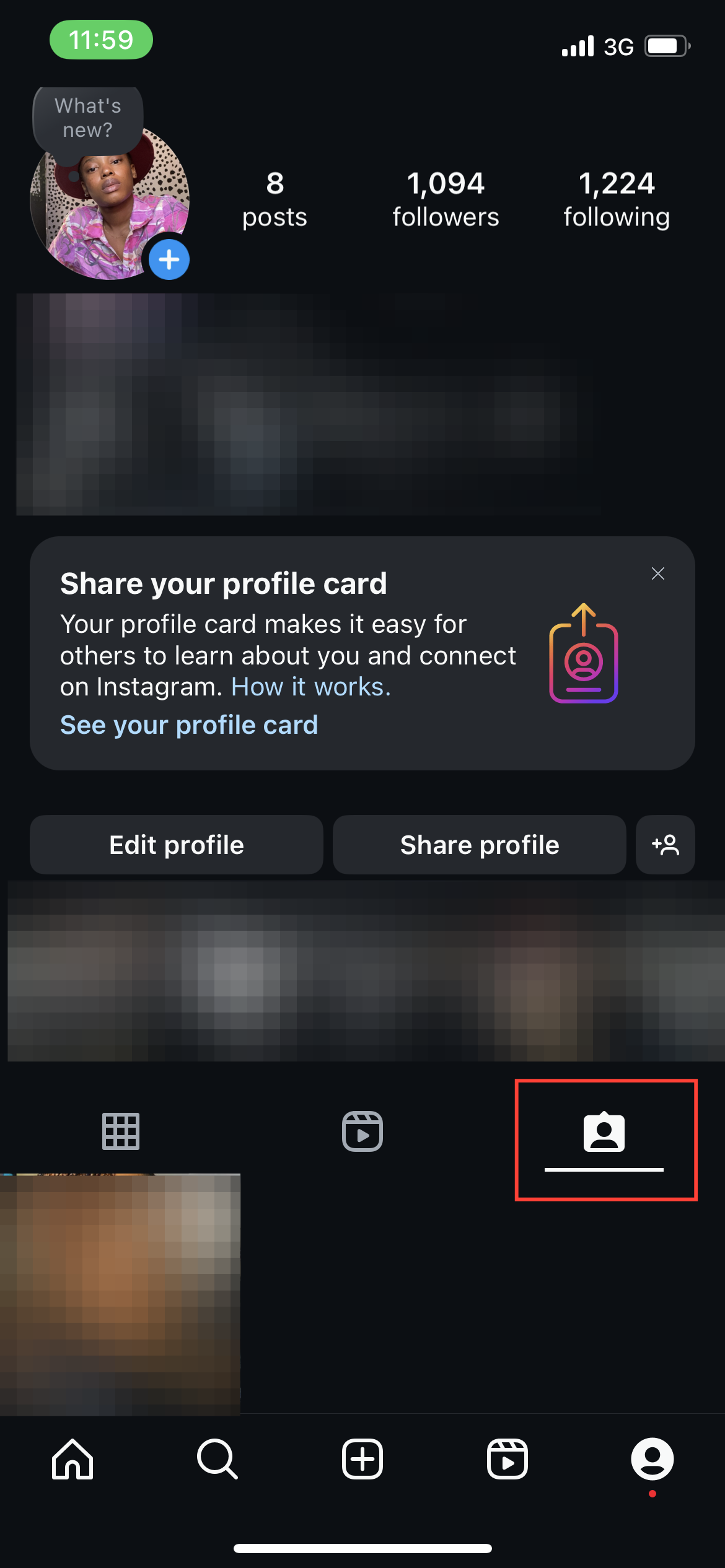
To hide specific tagged photos without bulk-hiding, follow these steps:
Step 1: Go to the Tagged section of your profile.
Subscribe for free to continue reading this article
Subscribe SubscribeAlready have an account? Log in


