



Loading the Elevenlabs Text to Speech AudioNative Player...
Looking to make your WhatsApp status updates more engaging? WhatsApp's latest tagging feature lets you mention friends directly in your status, similar to tagging on Instagram or Facebook Stories.
This feature not only personalizes your updates but also alerts the tagged contacts, keeping them in the loop about shared moments. Here’s how to use this feature and make your statuses even more interactive.
WhatsApp to roll out updates to status, image search, call links, and more
The messaging platform is evolving into a more dynamic and interactive platform.
 Louis Eriakha
6 steps to mention or tag someone in WhatsApp status
💡
To get started, make sure you have the latest version of WhatsApp or WhatsApp Business installed from the App Store (for iPhone) or Google Play Store (for Android).
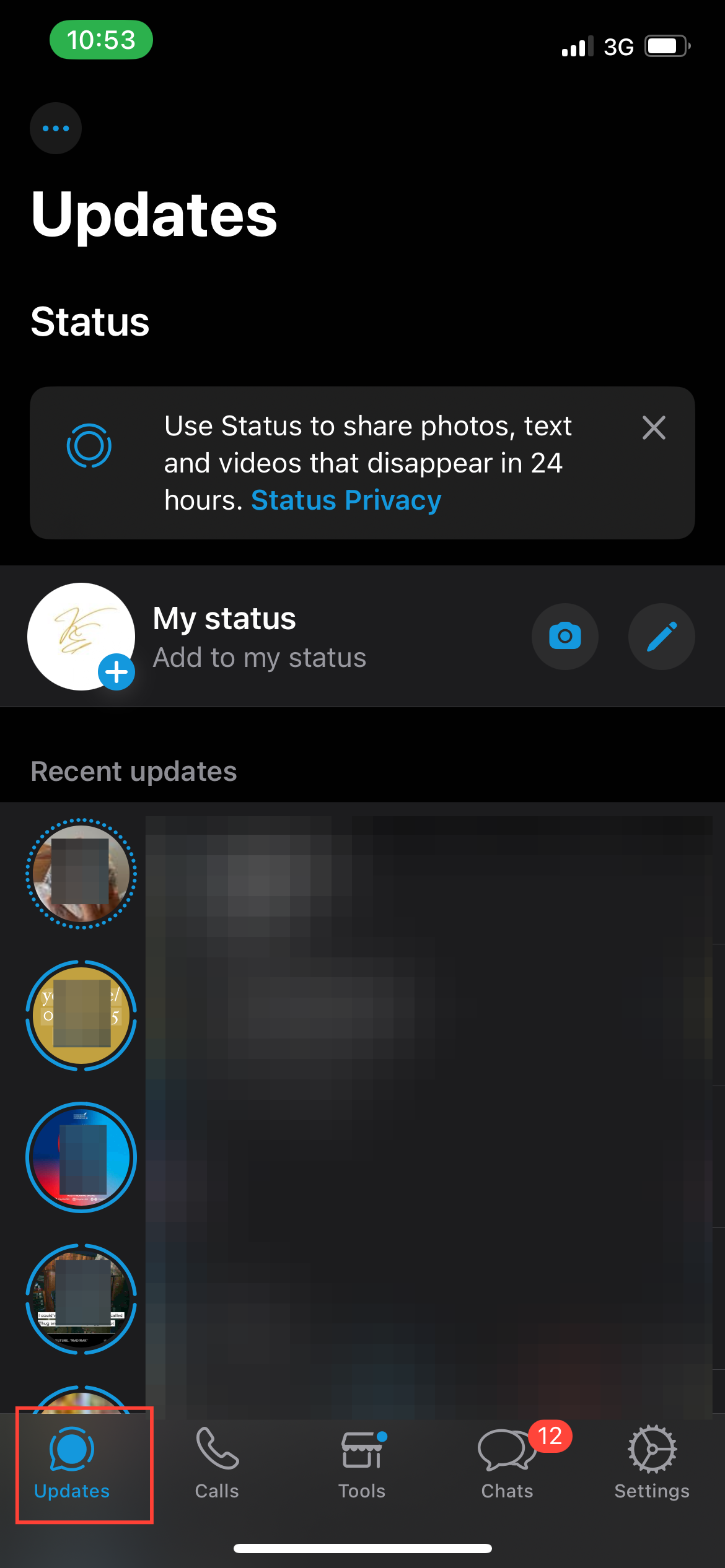
Step 1: Launch WhatsApp on your phone, then tap on the Status tab at the bottom of the screen.
Subscribe for free to continue reading this article
Subscribe SubscribeAlready have an account? Log in


