



Loading the Elevenlabs Text to Speech AudioNative Player...
If you're looking for a fresh way to browse or an alternative to Google’s search experience, OpenAI's new feature, ChatGPT Search, promises a unique approach by combining AI-driven insights with your everyday queries.
Setting it as your default search engine can open up new possibilities, particularly for those who value conversational responses and a modern twist on information retrieval. Here’s a quick guide on how to set up ChatGPT Search as your go-to browser tool.
OpenAI debuts ChatGPT Search to rival Google and Microsoft
It promises a timely, relevant, ad-free search experience.
 Kelechi Edeh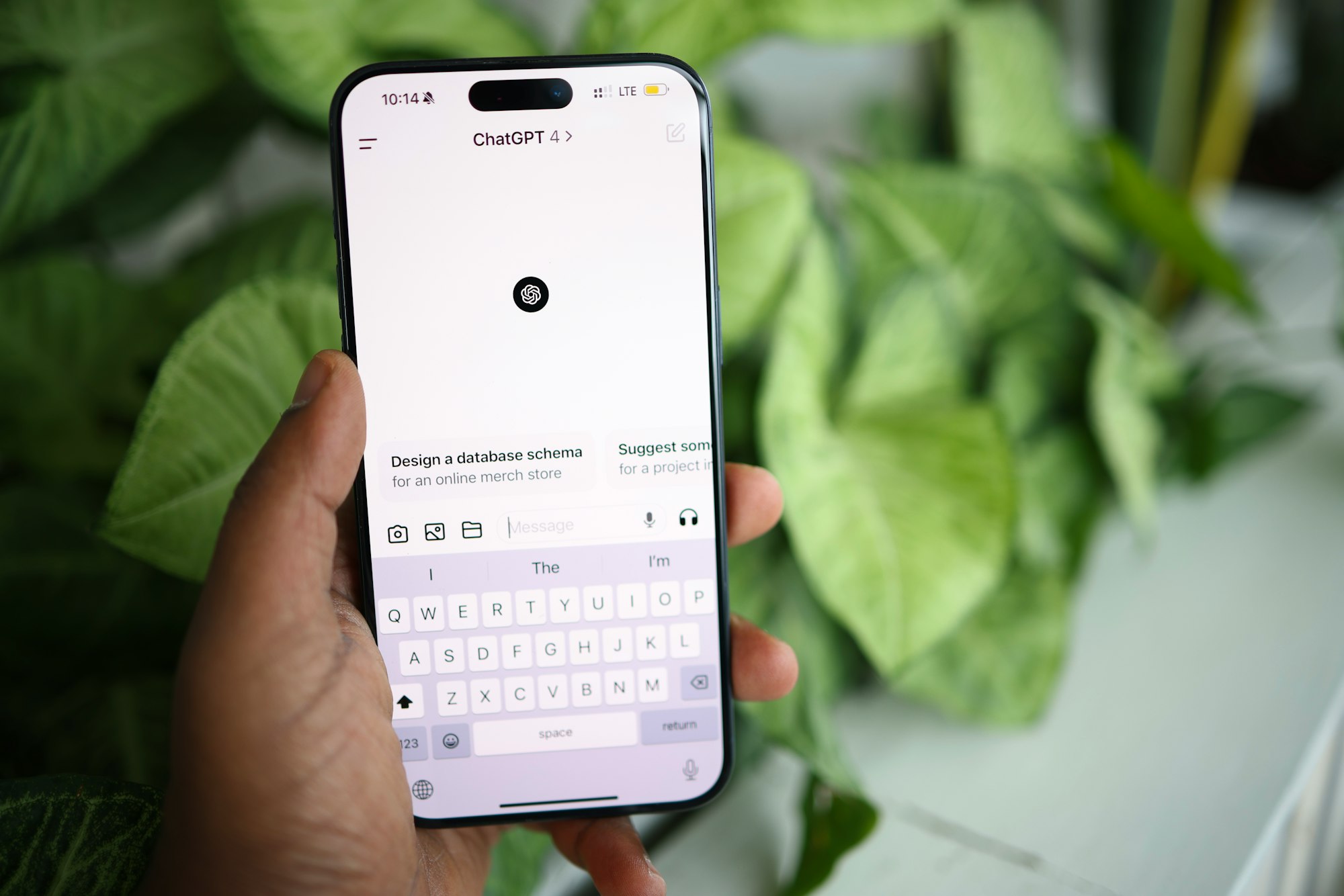
6 steps to make ChatGPT Search your default browser in Chrome
💡
Note: OpenAI plans to roll out ChatGPT Search to free users in the coming months but for now it is currently available only to ChatGPT Plus subscribers at $20 per month. So, ensure you’re signed in to a Plus account for full access.
Step 1: Install the ChatGPT Search extension
- Open your Chrome browser and visit ChatGPT Search’s announcement page, where you'll see a “Download Chrome Extension” button. Click it to go directly to the Chrome Web Store page.
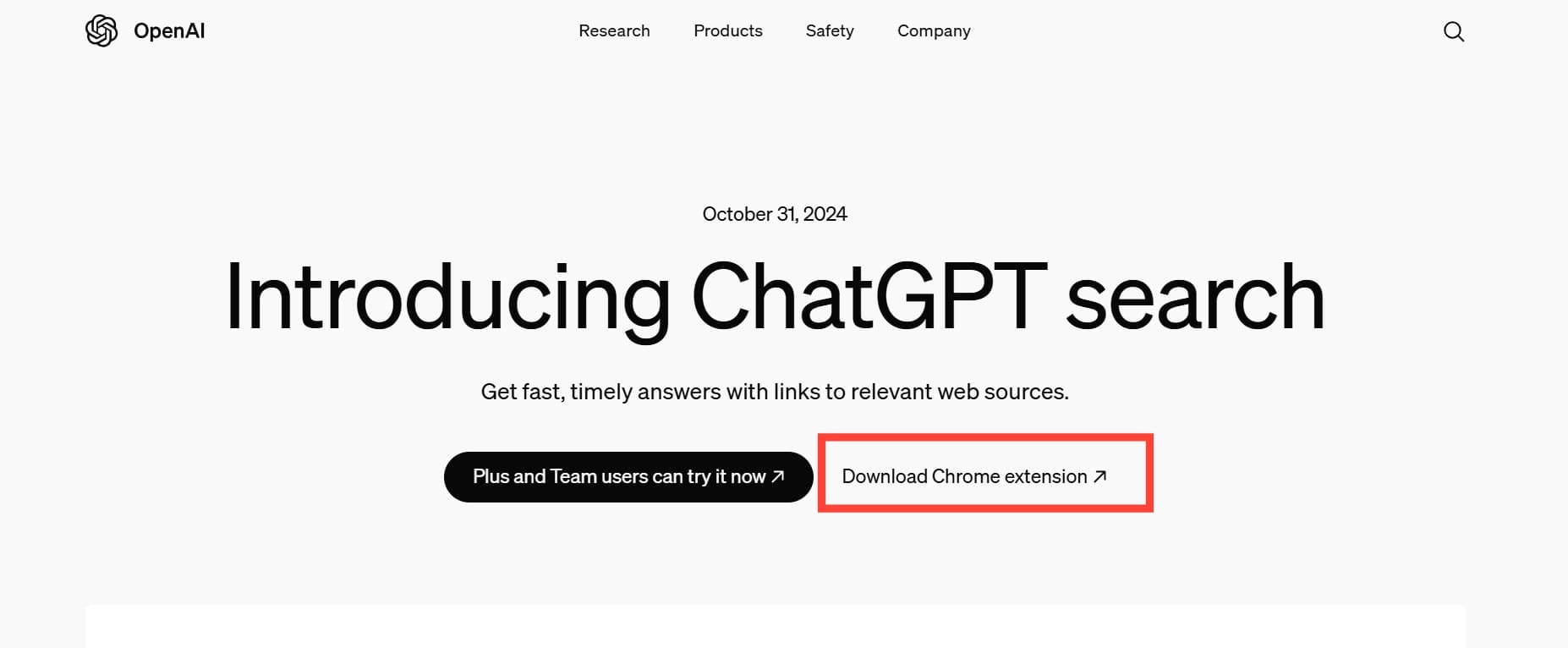
Step 2: Once on the ChatGPT Search Chrome Web Store page, click “Add to Chrome.”
Subscribe for free to continue reading this article
Subscribe SubscribeAlready have an account? Log in


