



Loading the Elevenlabs Text to Speech AudioNative Player...
Microsoft Outlook is a powerful tool for managing emails, calendars, and appointments. This tool can help you schedule meetings effortlessly, organize a team gathering, and coordinate with clients while saving time and effort.
It is a must-have tool for every individual and organization that wants to have a streamlined process for virtual meeting appointments.
In this guide, learn how to schedule meetings in Microsoft Outlook in five easy steps.
How to Schedule Emails in Microsoft Outlook with Ease
Scheduling an email message is useful when you need to send an important email at a specific time. Most email service providers allow users to schedule emails, making it possible for you to speed up and simplify your work. Although Apple Mail has the highest market share in the Email
 Gabriel Ojeh
A Step-by-Step Guide on How to Schedule Meetings in Microsoft Outlook
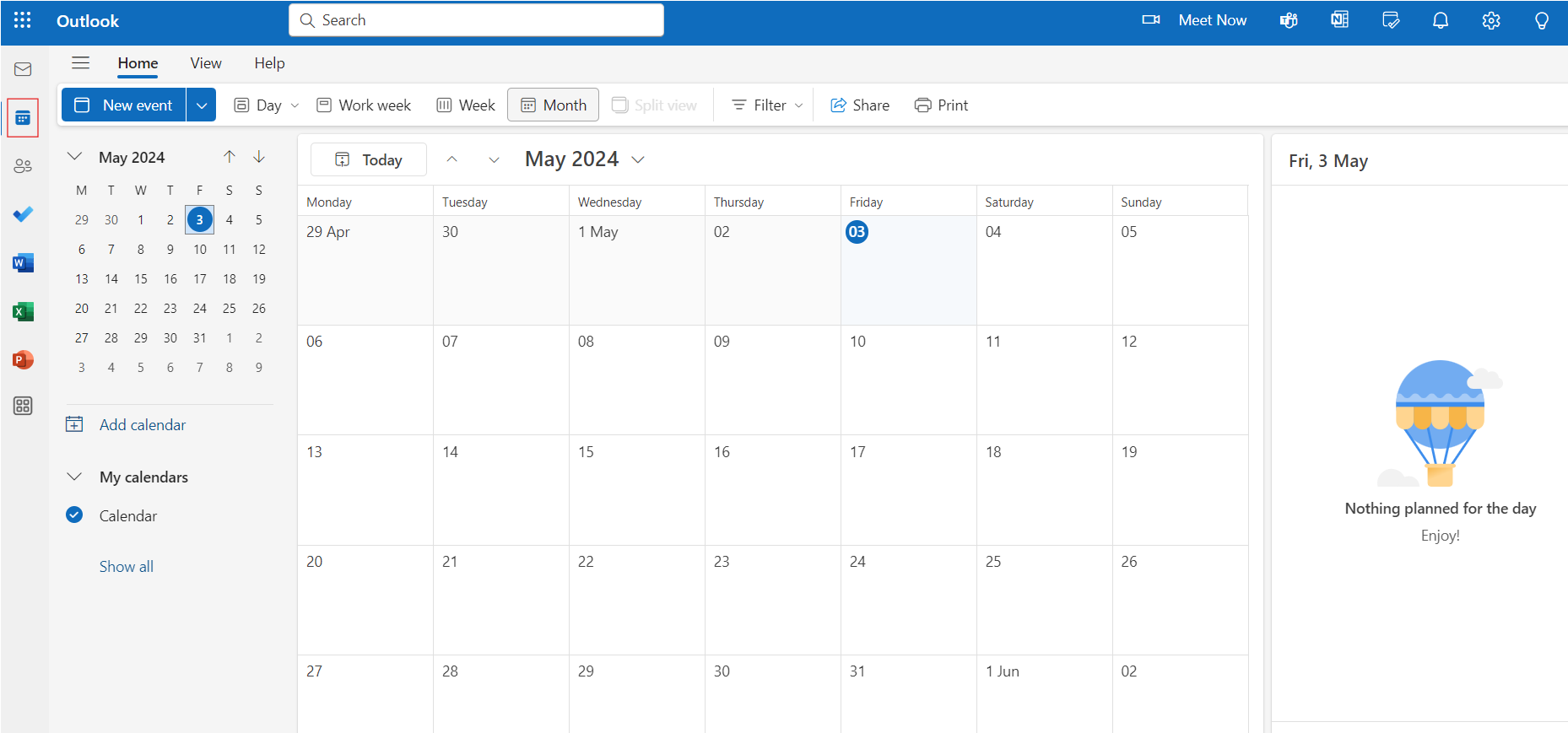
Step 1: Open Outlook and Navigate to the Calendar
Launch Microsoft Outlook and navigate to the Calendar view by clicking on the "Calendar" icon in the top left corner of your screen.
Subscribe for free to continue reading this article
Subscribe SubscribeAlready have an account? Log in


