


Loading the Elevenlabs Text to Speech AudioNative Player...
Excel is a powerful and versatile tool for managing data for personal use, business, or academic purposes.
One common task you might encounter is the need to separate a full name into first and last names. Excel is an excellent way to manage your contacts as it can separate your first and last names to help you organize and filter them better.
If you want to know how to do this, this guide will teach you the steps, ensuring your data is neatly arranged and easily manageable.
A Step-By-Step Guide on How to Separate First and Last Names in Excel
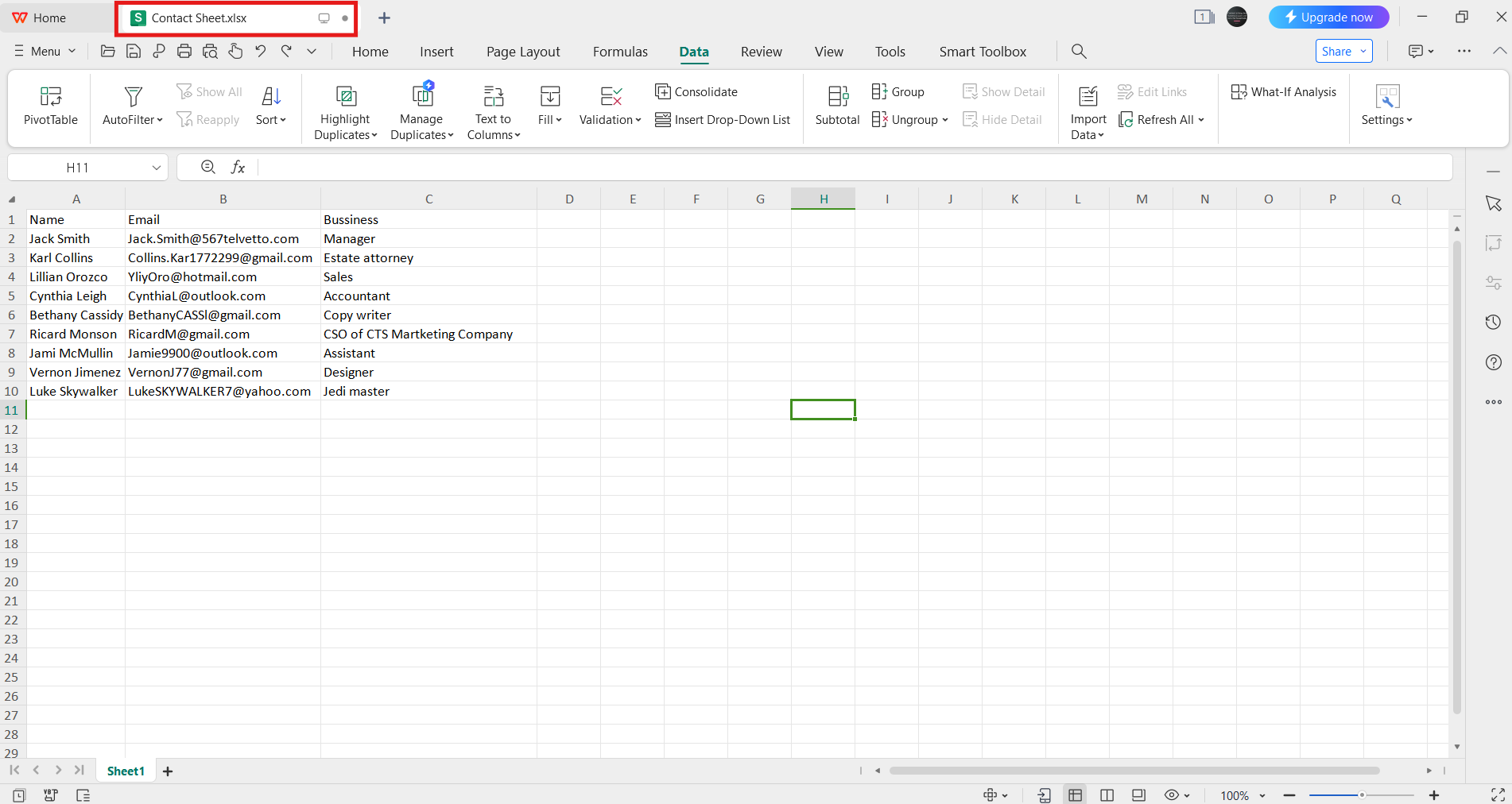
- Step 1: Open the Excel document that contains the names you want to separate.
💡
The names, email addresses, and businesses provided in the image above are entirely fictional and do not belong to any individual or entity.
Subscribe for free to continue reading this article
Subscribe SubscribeAlready have an account? Log in


