



Loading the Elevenlabs Text to Speech AudioNative Player...
Keeping your Google account details up to date is essential, especially when it comes to your phone number. From two-step verification to account recovery, an accurate phone number is key to maintaining secure access to all Google services.
If you've recently changed your mobile number, updating it in your Google account ensures you won’t miss important notifications or verification codes. Here's how to do it on your iPhone.
How to Set Up Parental Controls in Google Search and Google Play Store
This will help secure your child from inappropriate content
 David Adubiina
6 easy steps to update your Google Account phone number on iPhone
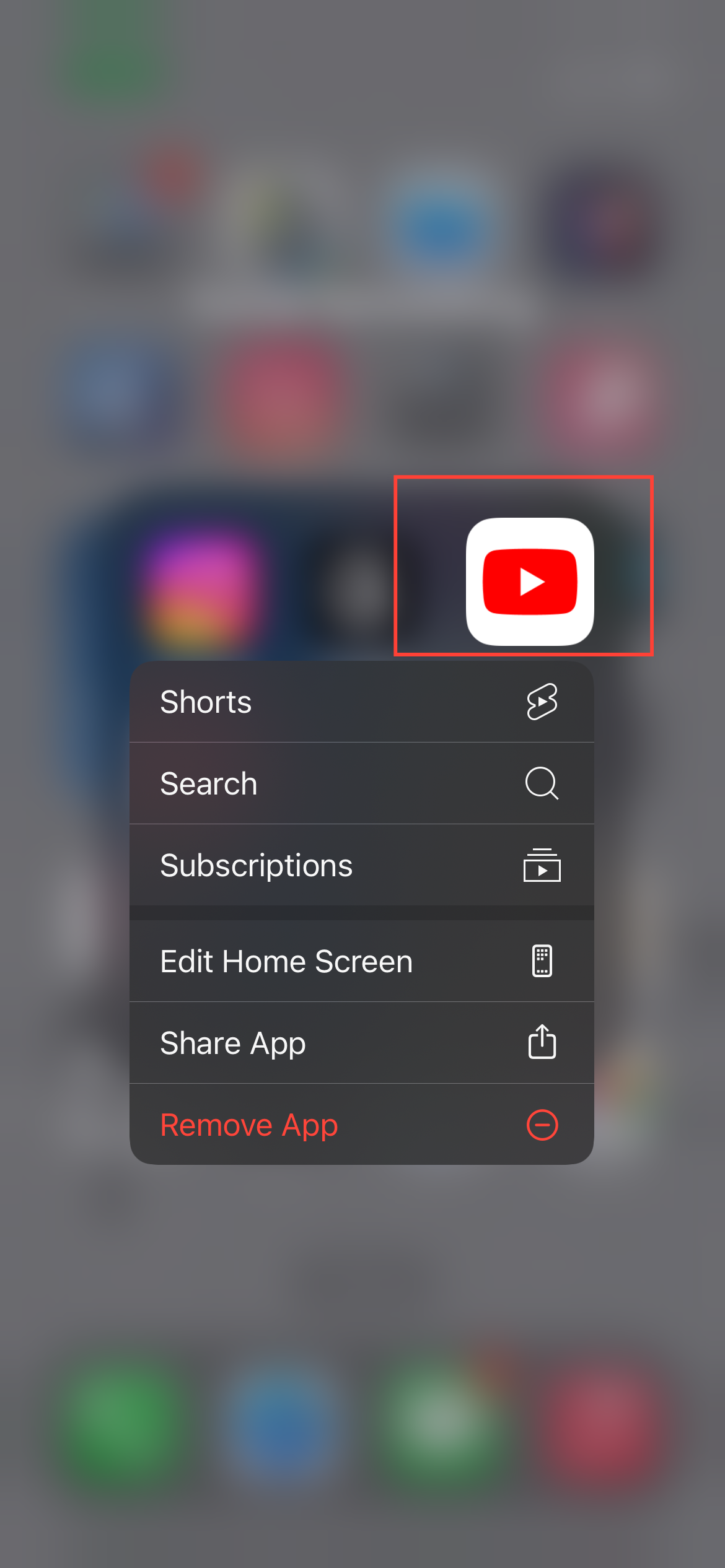
Step 1: Start by opening a Google app, such as YouTube or Gmail, on your iPhone. Alternatively, you can visit myaccount.google.com. I'll be using the YouTube app here, though.
Subscribe for free to continue reading this article
Subscribe SubscribeAlready have an account? Log in


