



These days, I no longer expect huge visual changes or a tonne of new features with software updates. Most of the time, they bring small, incremental improvements or tiny tweaks designed to make the overall experience better.
On Monday, Apple released iOS 27.2, and I installed it. After spending a whole day using it, I can say with some certainty that not much has changed.
That makes sense, considering that updates with decimal points in their version numbers are generally smaller releases. They tend to often focus on fixing bugs, patching security vulnerabilities, and introducing minor feature improvements.
Meanwhile, major updates, such as iOS 27, tend to bring bigger changes, including redesigned interfaces, major new tools like Apple Intelligence, and deeper system improvements.
So, what did I notice in iOS 27.2?
 Ogbonda Chivumnovu
The Apple Music logo is different now
The Apple Music logo has a new look. The familiar white music note on a red background has been replaced with a black music note on a white background.
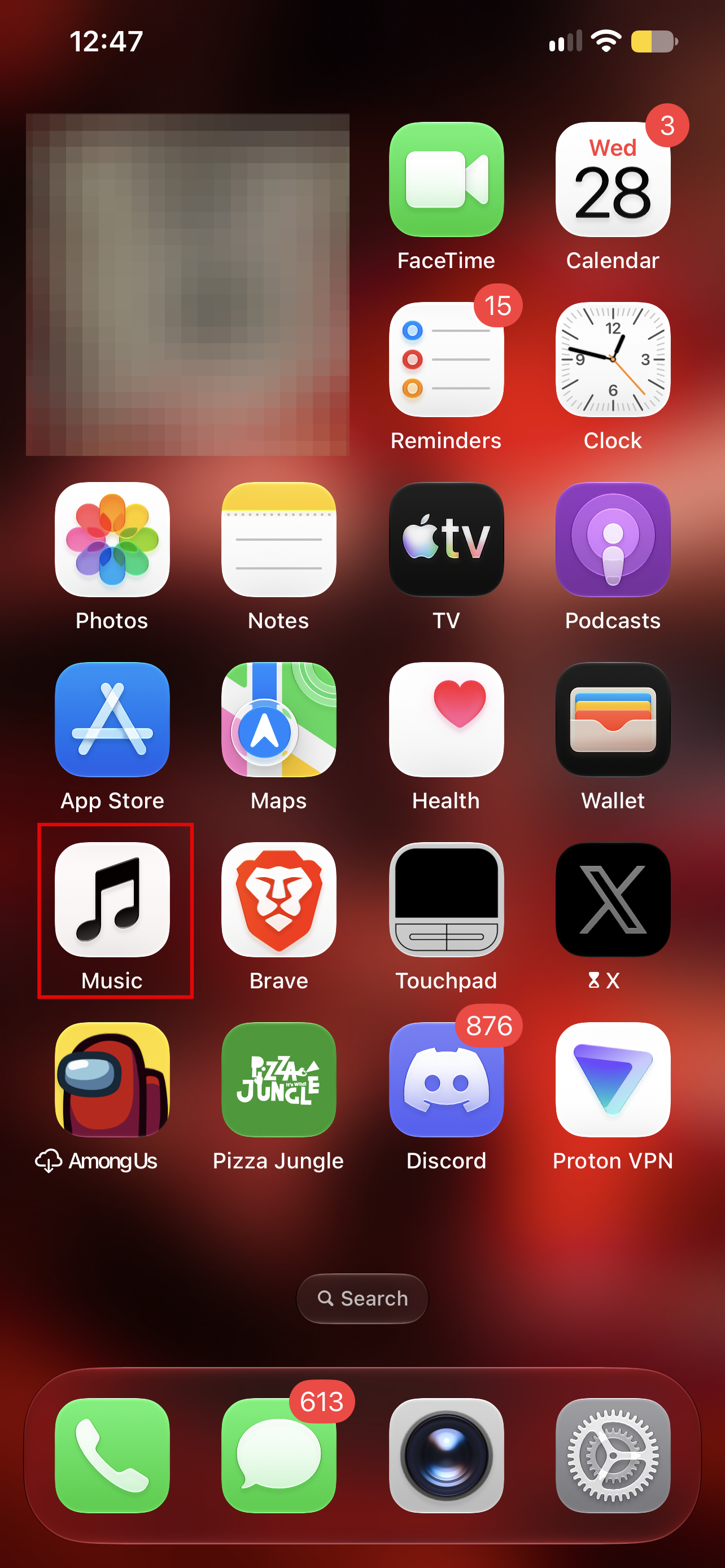
I’m a bit biased here because I’m a sucker for black and white. It’s probably my favourite colour combination, and I’d love to see Apple adopt a similar design language for more of its app icons.
Apple has also introduced blue accents in parts of the Music app, replacing some of the red highlights, alongside tweaks to its Liquid Glass interface.
Beyond these changes, I didn’t notice any major differences in the app’s user experience or interface.
Message suggestions didn’t work for me
One of the new features in iOS 27.2 is suggestions in Messages. It identifies useful actions based on the context of your conversations and gives you shortcuts to carry them out.
For instance, if someone mentions a dinner reservation at 8 pm, your iPhone could suggest adding the event to your calendar or setting a reminder.
The feature was reportedly available during iOS 27 beta testing but was removed before the public release. It has now returned with iOS 27.2.
Unfortunately, though, I couldn’t get it to work during my test. Whenever someone mentioned a meeting or an upcoming event, nothing popped up.
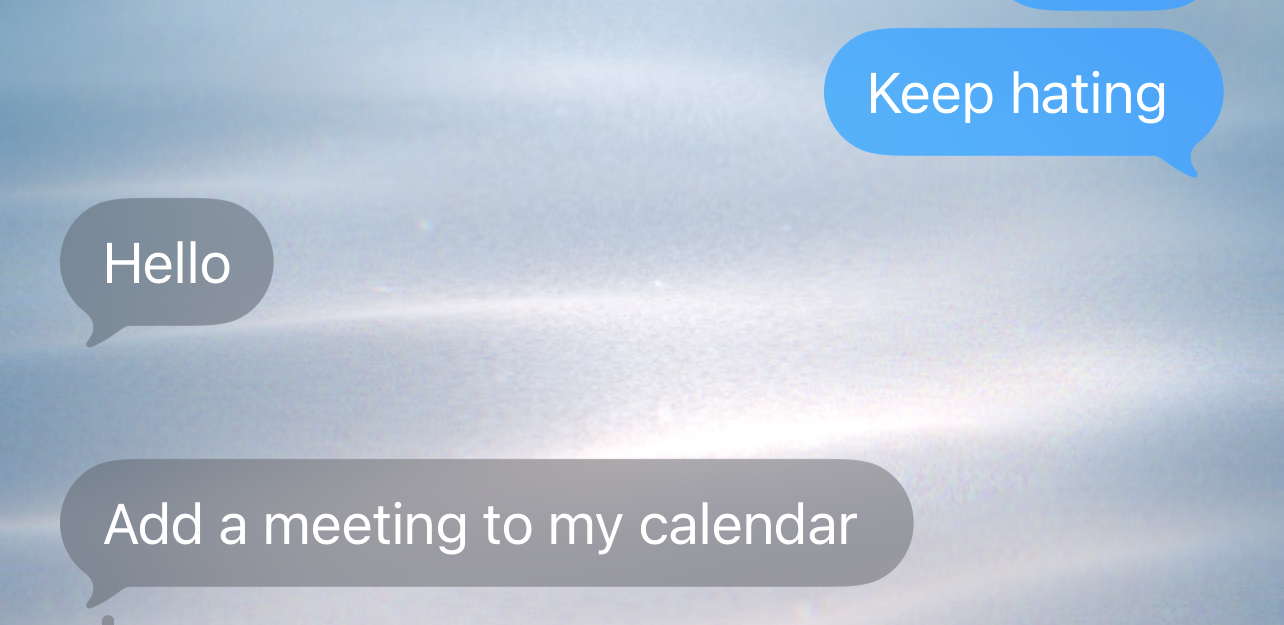
I wondered whether my phone was struggling to recognise the context. I even checked my settings to see whether the feature was switched off by default, but it wasn’t.
Perhaps I wasn’t using it in the way Apple intended, or there are still some limitations to how it recognises messages. Either way, it was disappointing not to see it work as advertised.
I missed out on the Siri AI improvements again
If you read my review of iOS 27, you’ll see that I couldn’t access the new Siri AI features because I was using an older iPhone.
Unfortunately, that hasn’t changed for me with iOS 27.2.
Apple has introduced several improvements to Siri AI, including support for French, Japanese, Korean, Portuguese, and Spanish. But these features require an iPhone 15 Pro or Pro Max, or an iPhone 16 or newer. Siri AI is also unavailable in the EU and mainland China.
Apple claims the new Siri can now recall information from previous conversations and draw on more personal context, including voicemails, photos attached to messages, Safari history, and Reading List. It can also use information about Calendar event attendees to provide more relevant answers.
Another useful addition is the ability to select and copy specific sections of Siri’s responses rather than copying the entire block of text. These are meaningful improvements, especially for people who regularly use Siri. Sadly, I couldn’t put them to the test on my device.
Other tiny updates or updates I couldn’t fully test
There are several other changes in iOS 27.2, although some were difficult for me to test or barely noticeable during my day-to-day use.
Subscribe for free to continue reading this article
Subscribe SubscribeAlready have an account? Log in


