



In the world of digital marketing, e-commerce, and social media, images speak louder than words. Every post, product photo, or campaign visual needs to be clean, focused, and visually appealing to capture attention. However, not everyone has the time or skills to master complex design tools like Photoshop.
That’s where AI-powered tools like Free Image Background Remover and Remove Text from Image Online come in. These smart technologies are revolutionizing how we edit visuals — making professional-level results accessible to everyone.
In 2025, image editing is no longer a tedious task. With just a few clicks, anyone can remove backgrounds, erase unwanted text, and enhance visuals instantly — all powered by artificial intelligence.
What Is a Free Image Background Remover?
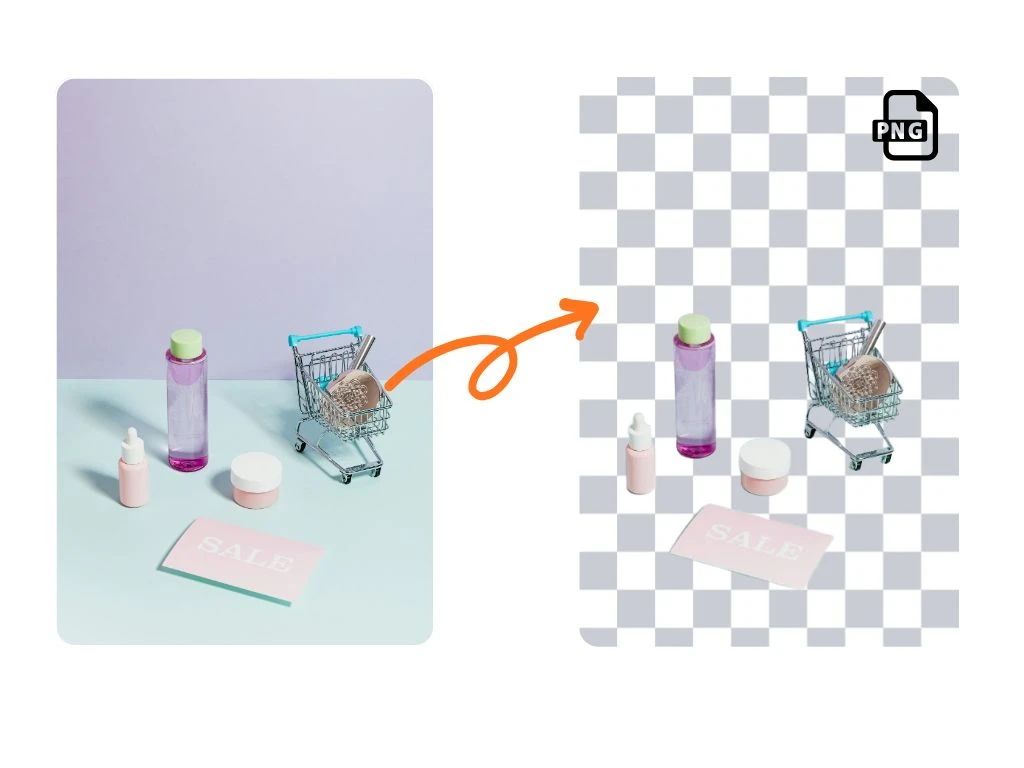
A Free Image Background Remover is an AI-based tool that automatically detects and removes the background from any photo, leaving just the main subject visible. Unlike manual editing that requires precision cutting or masking, this tool uses deep learning algorithms to separate people, objects, and products from their backgrounds with near-perfect accuracy.
How It Works
- Image Upload: You start by uploading any image — a product photo, portrait, or design asset.
- AI Detection: The system analyzes the image to identify the foreground and background elements.
- Background Removal: The AI intelligently erases the background while preserving sharp edges and natural shadows.
- Download or Edit: The final result is a transparent PNG or new background image ready for design use.
This process takes seconds — transforming complex manual editing into a one-click task.
Why Free Image Background Removers Are Essential in 2025
AI-based background removers are no longer niche tools — they’re everyday essentials for anyone creating content online. Here’s why:
1. Saves Time
Instead of spending 10–20 minutes tracing outlines or cutting out images, AI can remove backgrounds instantly, even from complex photos like hair, fabric, or transparent materials.
2. Perfect for E-Commerce
Online stores like Shopify and Amazon require clean product photos with white or transparent backgrounds. A Free Image Background Remover makes this effortless for sellers, helping them maintain a consistent brand style.
3. Ideal for Social Media and Marketing
Marketers can use these tools to quickly adapt visuals for different campaigns, platforms, and ad formats — ensuring every post looks polished and professional.
4. Cost-Effective
No need for expensive software or hiring professional designers. Free tools now deliver results that rival premium applications.
5. Accessible to Everyone
Even non-designers can create studio-quality edits — perfect for small businesses, students, and influencers.
What Does “Remove Text from Image Online” Mean?
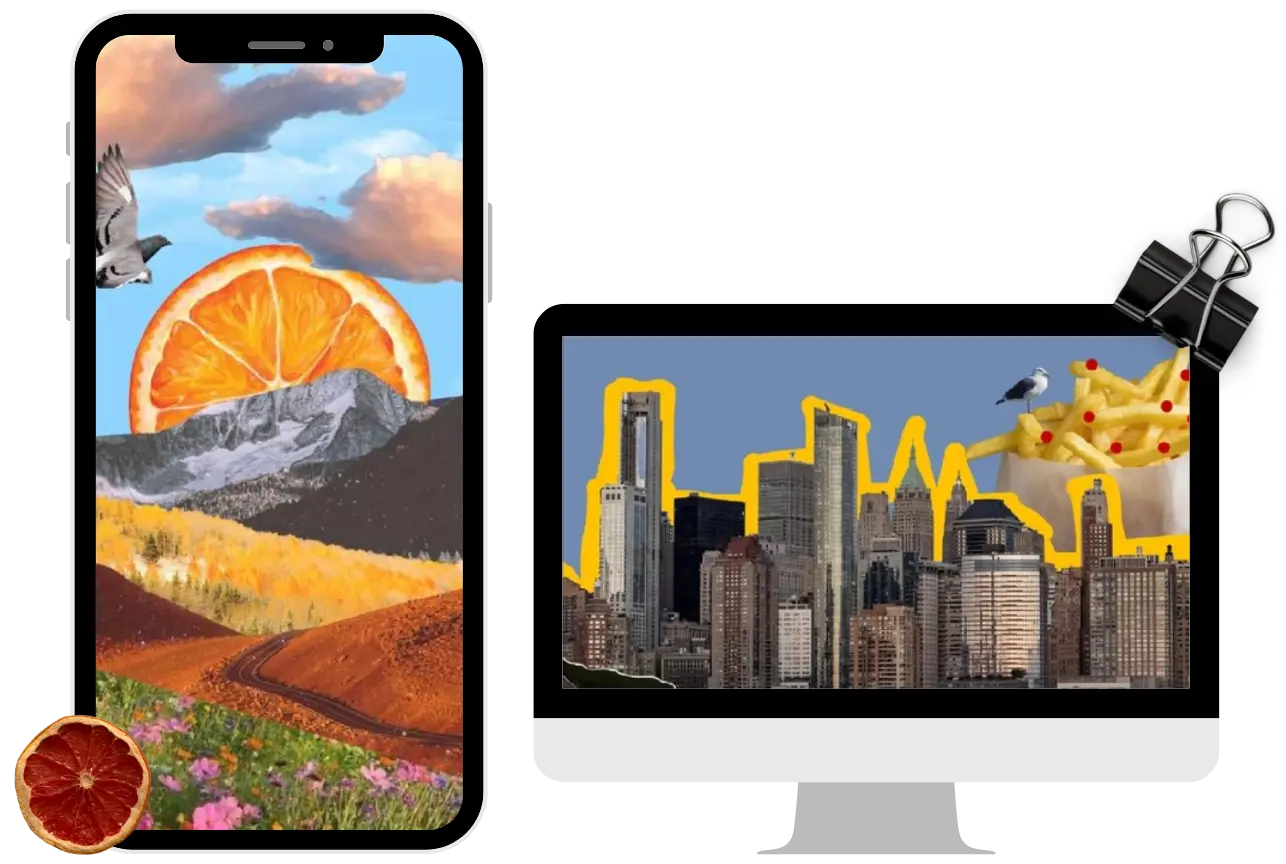
While background removal isolates your subject, sometimes you need to remove unwanted text — such as watermarks, captions, timestamps, or brand marks — from your images.
A Remove Text from Image Online tool uses AI-powered inpainting (or content-aware fill) to intelligently erase text and reconstruct the missing area.
The AI analyzes the surrounding pixels and fills in the blank space seamlessly, as if the text never existed.
How It Works
- Upload Your Image: Choose the photo containing unwanted text or markings.
- Highlight the Text Area: Use a brush or selection tool to mark the text you want removed.
- AI Processing: The tool automatically replaces the text with matching background patterns and colors.
- Preview and Download: Instantly get a clean, natural-looking image without traces of text.
It’s quick, precise, and requires zero editing skills.
Common Uses for Removing Text from Images
AI text removal isn’t just for cleaning photos — it’s useful in a wide variety of industries and creative workflows.
1. Marketing and Advertising
Remove old campaign slogans or pricing text to reuse visuals for new promotions.
2. E-Commerce Product Photos
Delete watermarks or old brand names when updating listings or rebranding your store.
3. Social Media Content
Erase distracting overlays or filters from memes, quotes, or stock photos before reuse.
4. Education and Presentations
Clean up slides, infographics, or charts by removing outdated labels or logos.
5. Photo Restoration
Bring vintage or personal photos back to life by removing unwanted timestamps or scribbles.
These use cases show that Remove Text from Image Online tools are far more than convenience features — they’re productivity boosters.
The AI Revolution in Image Editing
Artificial Intelligence has simplified editing by combining speed, accuracy, and creativity. Modern AI editors can now:
- Detect human subjects, animals, and products automatically.
- Restore missing image areas with realistic details.
- Process large batches of photos at once.
- Integrate directly with popular design tools like Canva, Figma, or Photoshop.
This means anyone can produce professional visuals — whether they’re preparing an ad campaign, product listing, or digital artwork — all without needing technical expertise.
Free vs. Paid AI Tools: What’s the Difference?
Free tools like online background removers and text erasers are perfect for individuals or small projects. However, professional creators may prefer paid versions for added features like:
- Higher-resolution output
- Batch processing
- Cloud storage and project management
- API integration for business automation
The best part? Many advanced tools now offer free tiers that include core editing features without limitations, making AI photo editing more accessible than ever.
How to Get the Best Results with AI Background and Text Removal
To maximize the quality of your edits, keep these tips in mind:
- Use High-Quality Images – AI works best when the source photo is clear and well-lit.
- Avoid Heavy Compression – Over-compressed images can reduce accuracy.
- Fine-Tune Results – After AI processing, use simple touch-up tools to refine details if needed.
- Experiment with Backgrounds – Once the background is removed, try adding brand colors, gradients, or custom textures.
- Stay Ethical – Always ensure you have the right to edit and reuse any image you modify.
The Future of Online Image Editing
In the near future, expect AI editing tools to become even more advanced — offering real-time background replacement, auto text translation, and context-aware retouching.
Imagine uploading a photo, removing the background, erasing unwanted text, and adding brand-specific elements automatically — all in one click.
These innovations will continue empowering businesses, creators, and individuals to work faster and more creatively than ever before.
Edit Smarter and Faster with Ezremove
For anyone looking for an all-in-one, easy-to-use solution, Ezremove is one of the leading platforms offering both Free Image Background Remover and Remove Text from Image Online tools powered by cutting-edge AI.
With Ezremove, you can:
- Instantly isolate subjects with pixel-perfect background removal.
- Erase unwanted text, watermarks, and distractions seamlessly.
- Enjoy high-quality results without needing technical skills or paid software.
Its intuitive web interface makes editing simple — just upload, click, and download. Whether you’re preparing e-commerce visuals, marketing materials, or social media posts, Ezremove helps you create stunning, professional images in seconds.
If you’re ready to simplify your editing workflow and let AI do the heavy lifting, try Ezremove today — the smart, fast, and free way to enhance your images online.


