



Stickers have slowly become a kind of language on WhatsApp. They replace long replies, soften awkward conversations, and sometimes say what words can’t. The best ones are personal, inside jokes, funny photos, or reactions pulled straight from your camera roll.
The good news is you don’t need extra tools or technical skills to make one. WhatsApp makes it surprisingly easy to turn any image into a custom sticker. Here's how to do it.
 Emmanuel Oyedeji
5 steps to create a custom sticker on WhatsApp
Scripting: Chivumnovu Ogbonda / Editing: David Adubiina
Step 1: Open WhatsApp on your device.
Step 2: Open a normal WhatsApp chat, it can be with a friend, a family member, or even a group. This is where sticker creation starts.
Step 3: Next to the message box, tap the emoji icon 🙂, then switch to the sticker tab. At the top, you’ll see an option like “Create” or a “+” icon.
Step 4: WhatsApp will open your gallery. Pick a photo you want to turn into a sticker.
Step 5: When you’re happy with how it looks, tap Send. That’s it. The sticker goes straight into the chat, and WhatsApp automatically saves it to your sticker collection.
 Oyinebiladou Omemu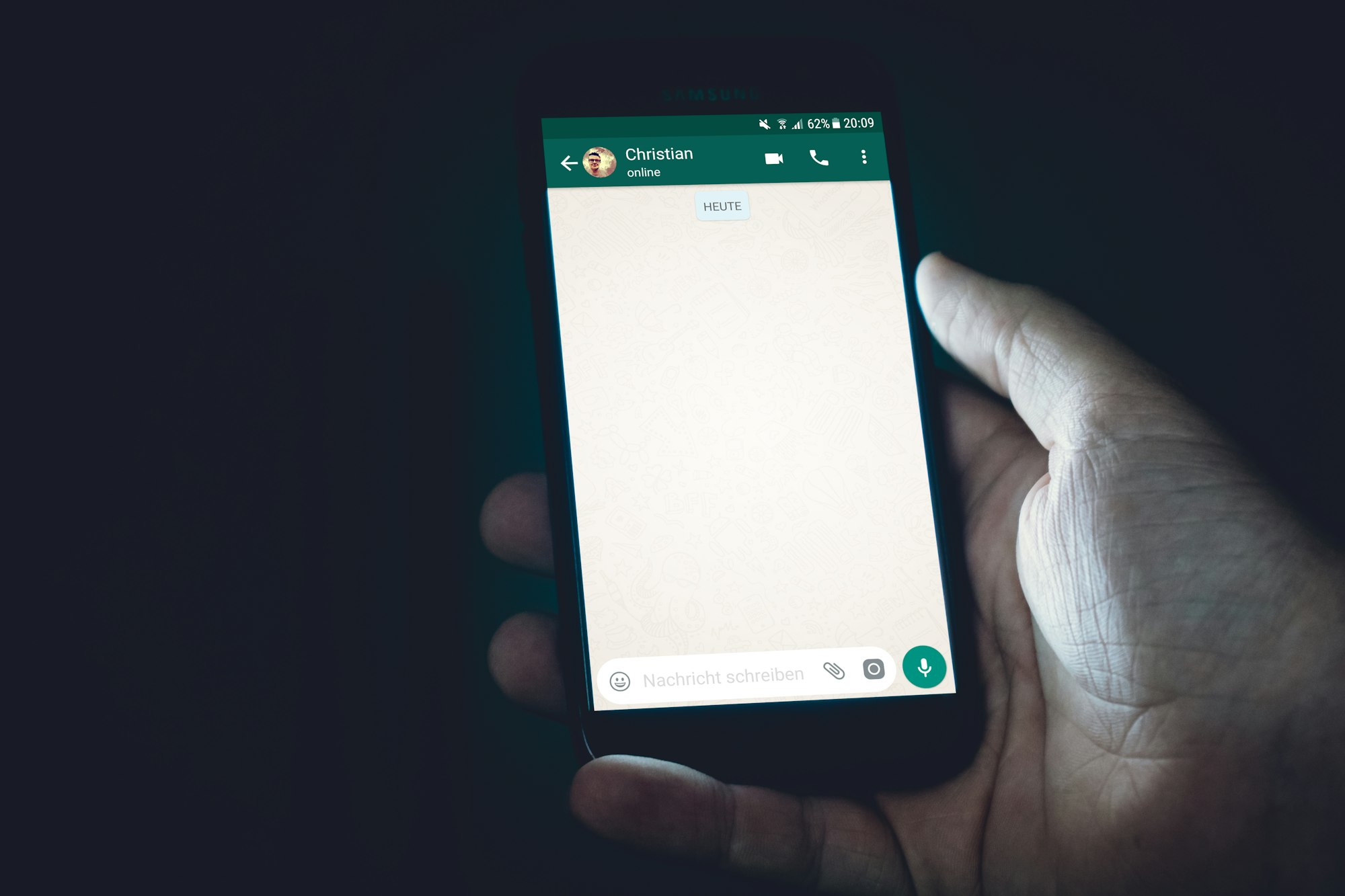
Conclusion
To wrap it up, creating a sticker on WhatsApp is one of those small features that quietly make chats more personal. Whether you’re turning a funny photo into a reaction, saving a favourite meme, or making stickers your friends will instantly recognise as “you,” the process only takes a few taps.
Once you’ve created one, you can reuse it anytime, build your own mini sticker collection, and make everyday conversations a little more expressive without installing extra apps or tools.


