



I have a complicated relationship with website builders. I like the idea of being able to build a website without knowing how to code. I like the idea even more when all I want is something simple: a place to put my work, a little information about myself, and a way for someone to contact me.
What I don't particularly enjoy is being given what feels like 700 different options when I just want to get the thing done. That was roughly what I was trying to figure out with Wix.
If you're a designer, writer, photographer, developer, filmmaker, or just someone who has been told repeatedly that you need a portfolio, the idea is simple: pick a template, add your work, make it look decent, and publish it.
Wix has been doing this for years, but the platform has changed considerably. Its newer AI tools can now build a website from a description, while its dedicated portfolio tools can organise your work into projects and collections.
So I wanted to look at Wix from a very specific perspective: what happens if you don't really want to build a website and all you want is a portfolio?
 Damilare Odedina

Wix gives you two ways to start
The first thing you'll notice is that Wix doesn't force you down one particular route. You can start with one of its templates or let its AI build a site for you.
There are hundreds of templates available, with options for everything from photography and architecture to writing, marketing, music, and design. The templates are already populated with example content, galleries and layouts, so you're not starting with an entirely blank screen.
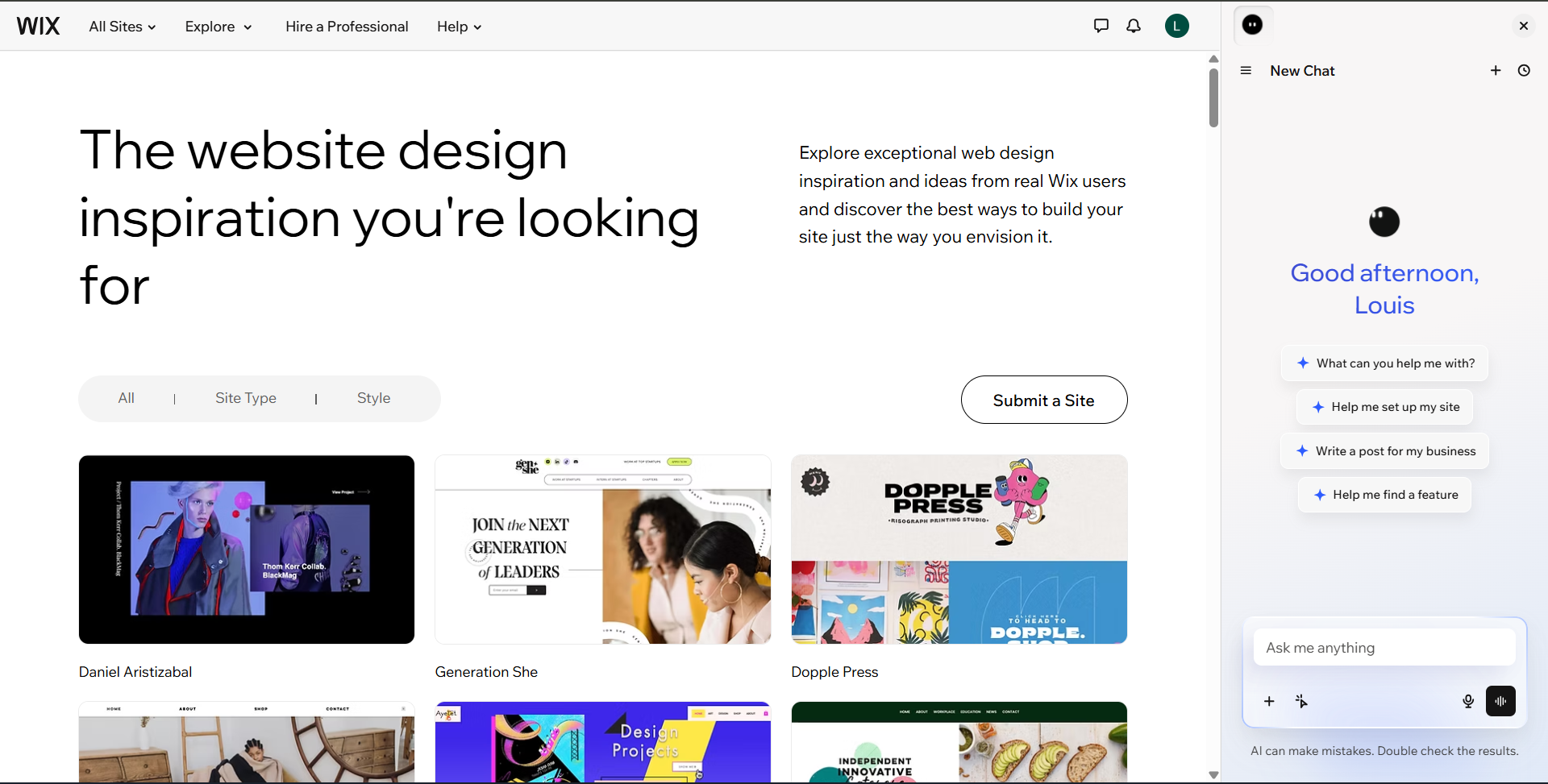
I see this as both a good and a bad thing because if you go in without a sense of what you want your portfolio to look like, it can feel overwhelming. Having plenty of options is useful when you know what you're looking for, but less so when you're clicking through templates wondering whether your portfolio should look "creative", "professional" or whatever other vague idea you have in your head.
As a way to skip most of this, Wix has an AI option where you can describe what you're trying to create and let it take the first shot. Its newer Harmony Editor uses its AI assistant, Aria, to generate the pages, layout, colours, images, and starter content based on that description. You can then change the result yourself or ask the AI to make adjustments.
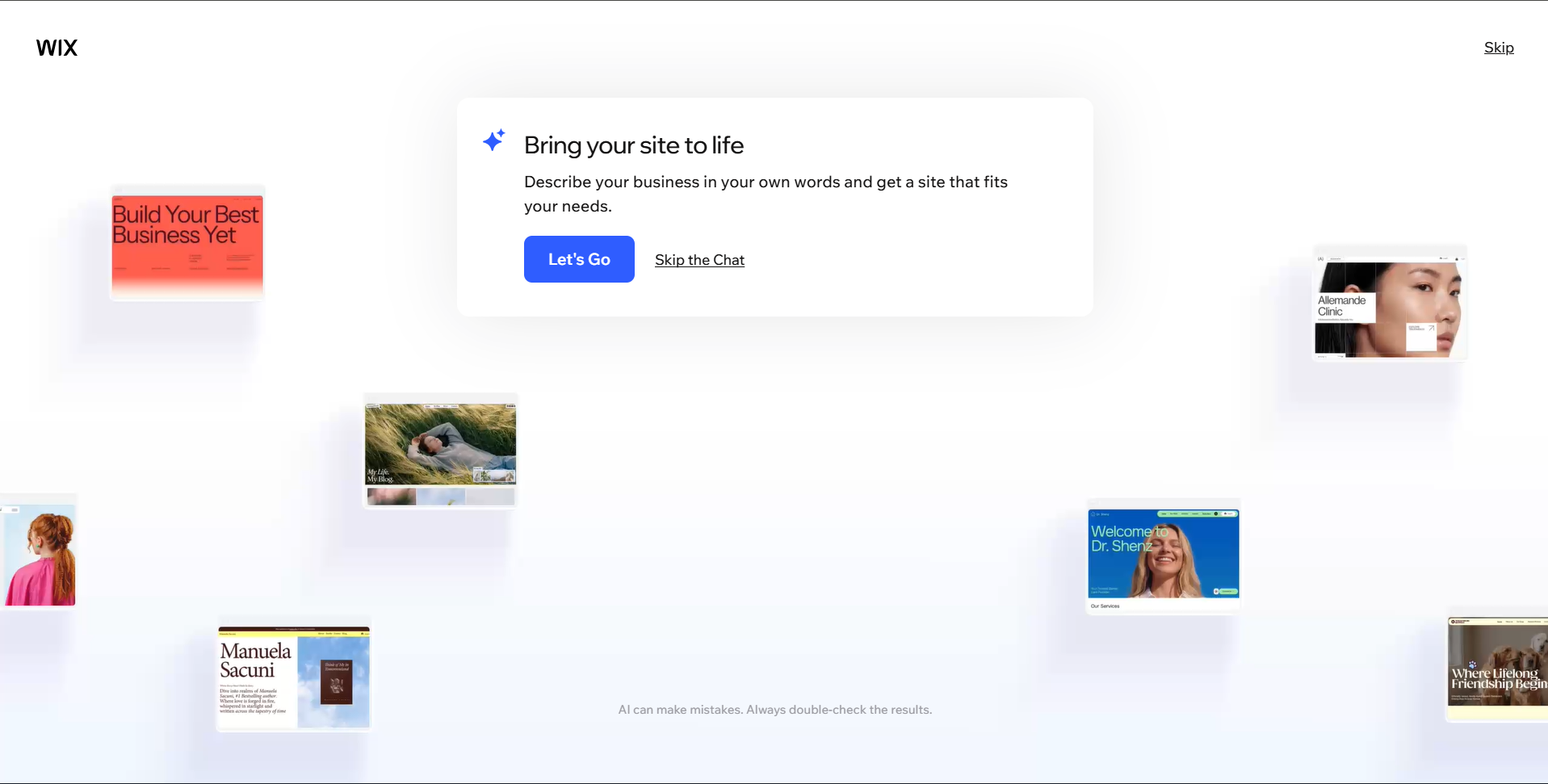
For a beginner, this is probably the easier way to get started. It takes away some of that initial decision-making, although you'll still have to go through what it creates and make it yours. At the very least, you're editing something rather than staring at a catalogue of templates wondering which one to pick.
Building with a template wasn't as straightforward as I expected
I started by choosing one of Wix's existing templates and trying to turn it into a portfolio. The idea was simple enough. Pick a design that was reasonably close to what I wanted, replace the sample content with my own, and make a few adjustments until it felt like something I could publish.
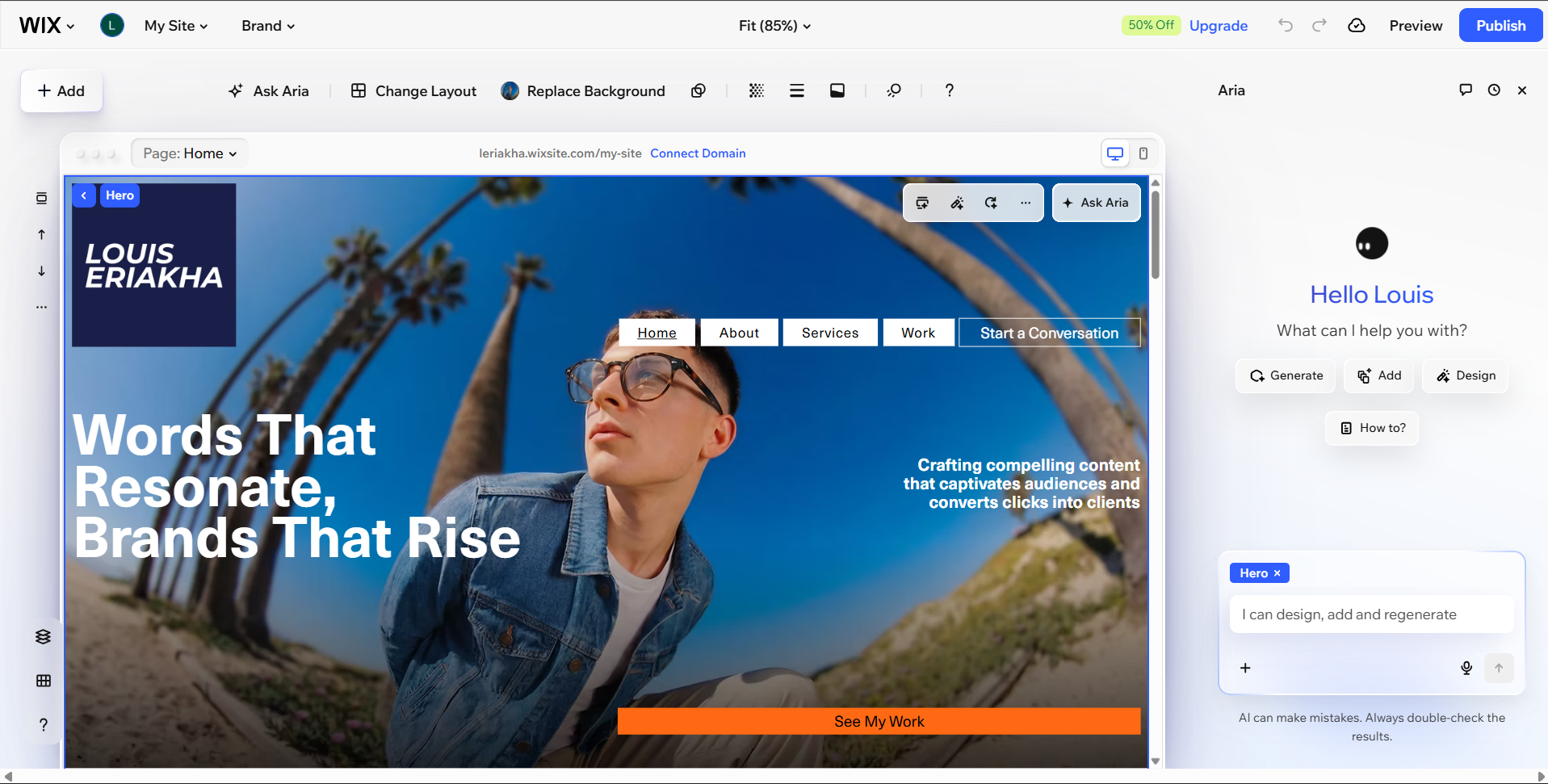
The problem was that I struggled to understand how some of the elements were arranged and how much freedom I had to change them. Wix gives you quite a bit of control over the layout, but actually using that control wasn't always intuitive. Moving elements around could feel stiff, while even something as simple as changing colours sometimes made the editor feel jittery. I eventually got the hang of some of it, but I wasn't particularly eager to keep experimenting.
I also found myself relying on Wix's built-in AI assistant, Aria, because manually making certain changes was becoming cumbersome. Unfortunately, that wasn't much better. For example, I wanted to remove the blue background behind my name, but couldn't find a clear way to do it through the editor. I tried asking Aria to make the change instead, and while it took about three minutes for it to understand what I was asking, it ultimately did absolutely nothing.
Video: Louis Eriakha / Techloy.com
That was probably my most frustrating moment with the template-based approach. I could see the appeal of having so much control over the website, but when the manual editing tools weren't behaving as I expected and the AI assistant couldn't reliably help either, the whole process started to feel more complicated than it needed to be.
Building a portfolio from scratch with Wix AI
After that experience, I decided to try the other route: letting Wix build the portfolio for me from scratch.
Subscribe for free to continue reading this article
Subscribe SubscribeAlready have an account? Log in