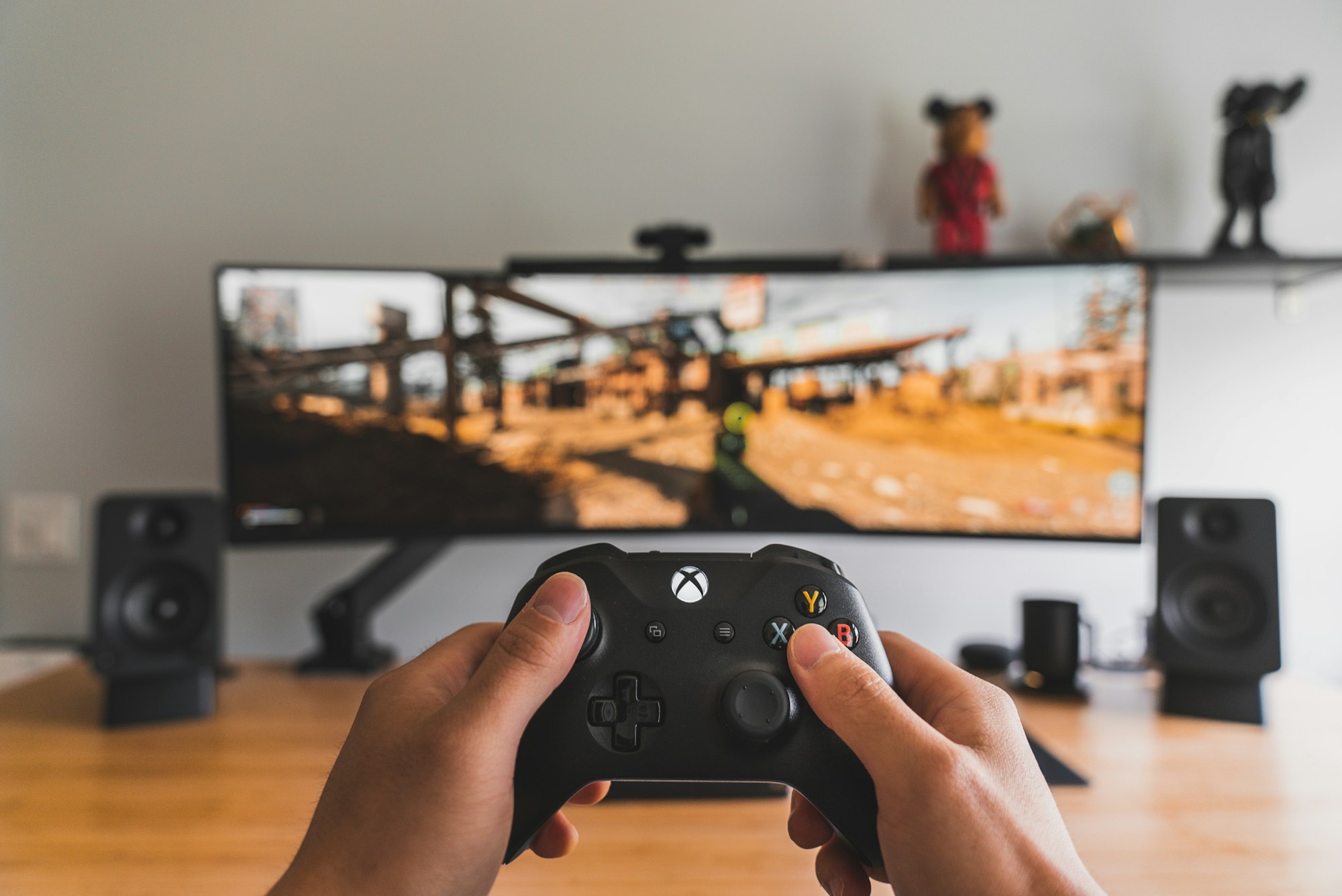
It looks like gaming companies are leaning into cloud gaming as much as they can now. Recently, PlayStation announced that the feature is now supported on its handheld devices. Now, Xbox, which has already had this feature for a while, is taking things a step further by expanding it into India.
In other words, users in India, can now stream and play hundreds of games directly from the cloud, no console required.
 Louis Eriakha
Using the company’s Game Pass subscription, players can access a wide range of titles on their PCs, tablets, mobile phones, and even compatible smart TVs. The feature also works with Amazon Fire TV Sticks and the Fire TV Cube, meaning all you really need is a screen, a stable internet connection, and a Bluetooth-enabled controller to start gaming.
With this rollout, Microsoft is opening up its massive Xbox game library to a much wider audience in India. All players need is one of the new Game Pass plans, Essential (₹499/month), Premium (₹699/month), or Ultimate (₹1,389/month), and at least a stable 20Mbps internet connection to start streaming.
While most games will require a controller, some titles also support touch controls on mobile, and certain PC games allow for mouse and keyboard input. It’s a small but thoughtful touch that gives players options, depending on how and where they’re playing.
How to Set Up Xbox Cloud Gaming in India
For PCs, smartphones, tablets, and handhelds:
- Open a supported browser (Edge, Chrome, or Safari).
- Visit xbox.com/play.
- Sign in with your Microsoft account linked to an active Game Pass subscription.
- Connect a compatible controller (Xbox or DualSense).
- Start playing instantly.
For smart TVs:
- Download the Xbox app on your Samsung, LG, or Amazon Fire TV device.
- Sign in with your Game Pass account.
- Pair your Bluetooth controller.
- Stream right away — no console, no downloads, no updates.
Conclusion
With Xbox expanding its reach to India, the competition in cloud gaming continues to heat up. PlayStation recently rolled out streaming on its handhelds, while services like NVIDIA’s GeForce Now also recently rolled out to India. Everyone's trying to grab a piece of the cloud gaming market.
Players can't complain though because at least we get more ways to play our favorite games without needing expensive consoles or PCs.
 Emmanuel Umahi