



Old VHS tapes preserve valuable memories, but years of storage can cause problems such as blurry details, faded colors, noise, and unstable playback.
For users looking to restore old VHS videos, improving quality requires more than simply converting tapes into digital files. AI video restoration provides a simpler way to enhance old footage by reducing visual issues, improving clarity, and making recordings easier to watch on modern devices.
Why Do Old VHS Videos Lose Quality?
Unlike modern digital videos, VHS recordings were stored using analog signals. Over time, both the physical tape and the limitations of the original format can affect video quality.
Common problems found in old VHS footage include:
Noise and Grain
Aging tapes often develop visible noise, grain, and distortion, making videos look rough or unclear.
Faded Colors
Long-term storage, sunlight exposure, and material degradation can cause colors to fade or shift over time.
Blurry Details and Low Resolution
VHS was designed for older television systems and has much lower resolution compared with modern HD displays. Faces and small details often appear soft when viewed on larger screens.
Tracking Issues and Playback Problems
Old tapes may show horizontal lines, flickering, shaking frames, or unstable playback due to tape degradation.
These issues are why many users look beyond simple VHS conversion and explore video restoration solutions.
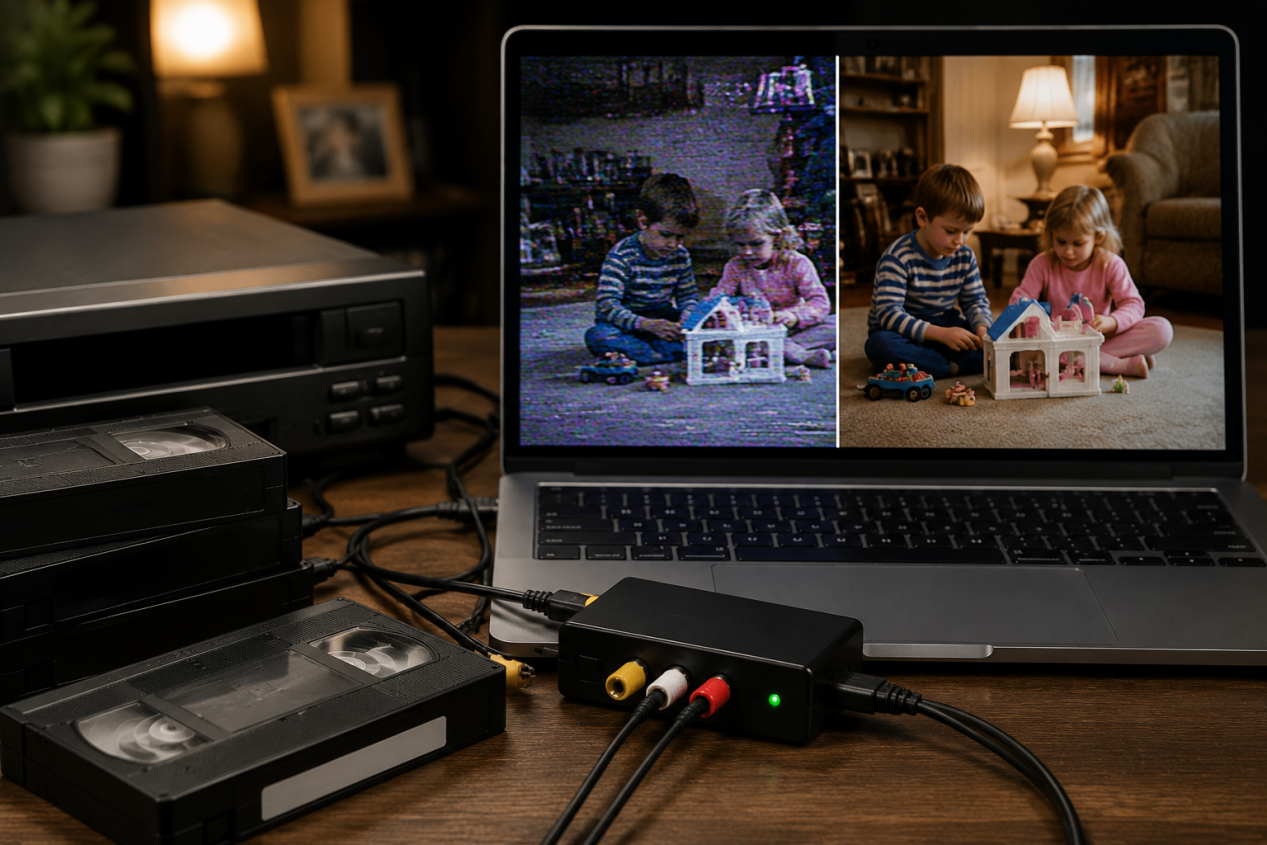
How AI Improves VHS Video Restoration Quality
A good VHS restoration result is not simply about making old footage look sharper. Professional restoration focuses on improving degraded content while preserving the original characteristics of the recording.
Organizations such as the International Association of Sound and Audiovisual Archives (IASA) emphasize that preserving audiovisual materials involves careful handling, digitization, and restoration.
When evaluating restoration quality, several factors matter:
- Detail preservation: Keeping important details while improving clarity.
- Noise reduction: Removing visual noise without losing information.
- Color accuracy: Restoring faded colors while maintaining a natural look.
- Frame consistency: Keeping footage stable without flickering.
AI video restoration helps achieve these goals by analyzing video patterns and enhancing existing visual information. Unlike simple filters, AI models can detect common VHS issues such as noise, compression artifacts, and unclear details to improve old footage for modern viewing.
How AI Video Restoration Helps Clean Up Old VHS Videos
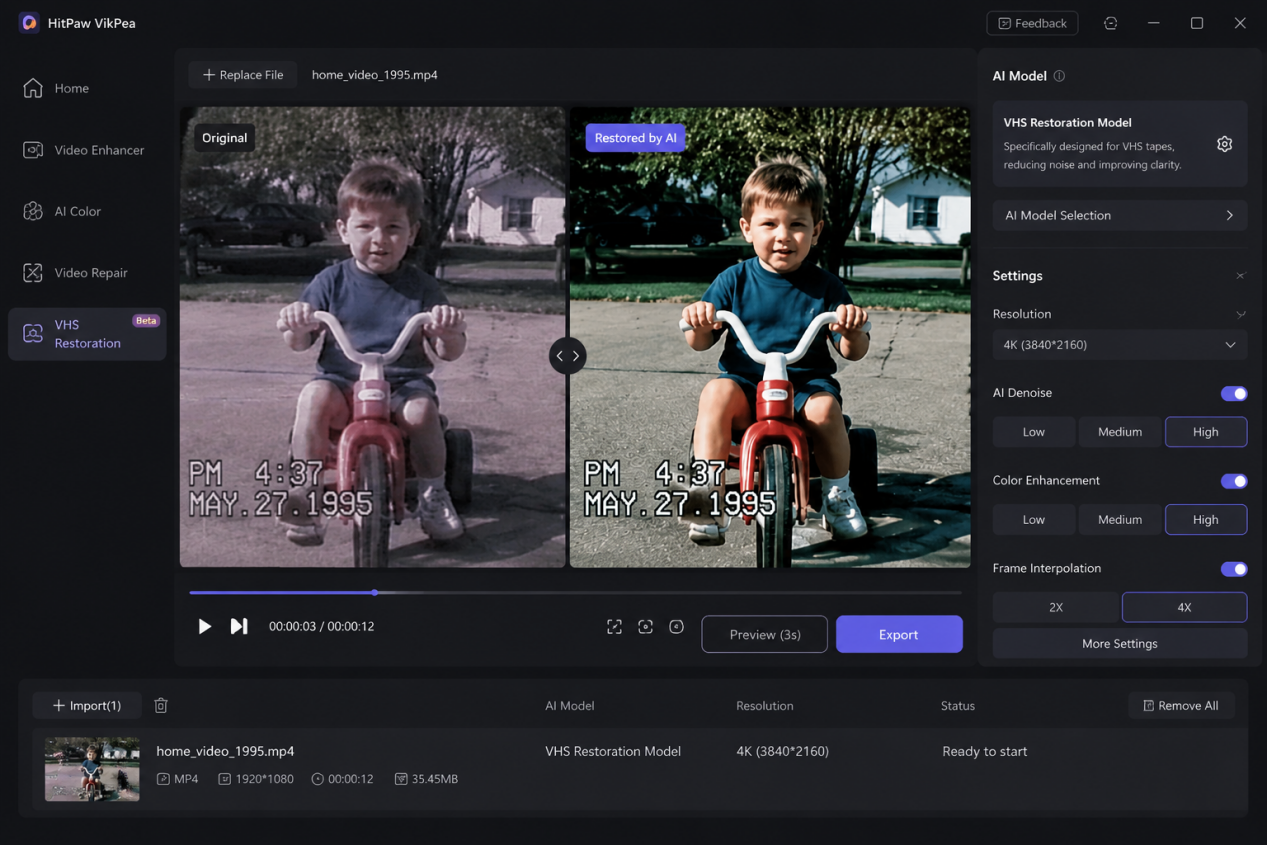
One example of this AI-powered restoration approach is HitPaw VikPea, an AI video enhancement software with dedicated restoration models for different video conditions, including VHS Video Restoration for older recordings.
Unlike traditional editing workflows that require manual adjustments, VikPea uses AI models to simplify the restoration process and help users improve common VHS issues such as noise, unclear details, and faded colors.
Step 1: Select VHS Video Restoration
Import your old video file and choose the dedicated VHS restoration feature.
Step 2: Choose the Recommended AI Model
The AI Assistant analyzes the footage and recommends a suitable model, reducing the need for manual adjustments.
Step 3: Preview and Export
Compare the restored result, then export the enhanced video in your preferred quality.
Which VHS Restoration Method Should You Choose?
Different VHS restoration methods are designed for different situations. The right choice depends on whether you still have physical tapes, already have digital files, your budget, and how much control you need over the final result.
|
Restoration Method |
Representative Examples |
Best For |
Estimated Cost |
Key Difference |
|
Professional VHS Restoration Service |
iMemories, Legacybox |
Users who still have physical VHS tapes or valuable family recordings |
Around $15–$40+ per tape |
Handles the entire process, including tape conversion, equipment, and
professional processing |
|
AI Video Restoration Software |
HitPaw VikPea |
Users who already have digital VHS files and want a simpler workflow |
Around $5–$15 per tape equivalent |
Provides faster AI-powered enhancement for improving clarity,
reducing noise, and modern screens |
|
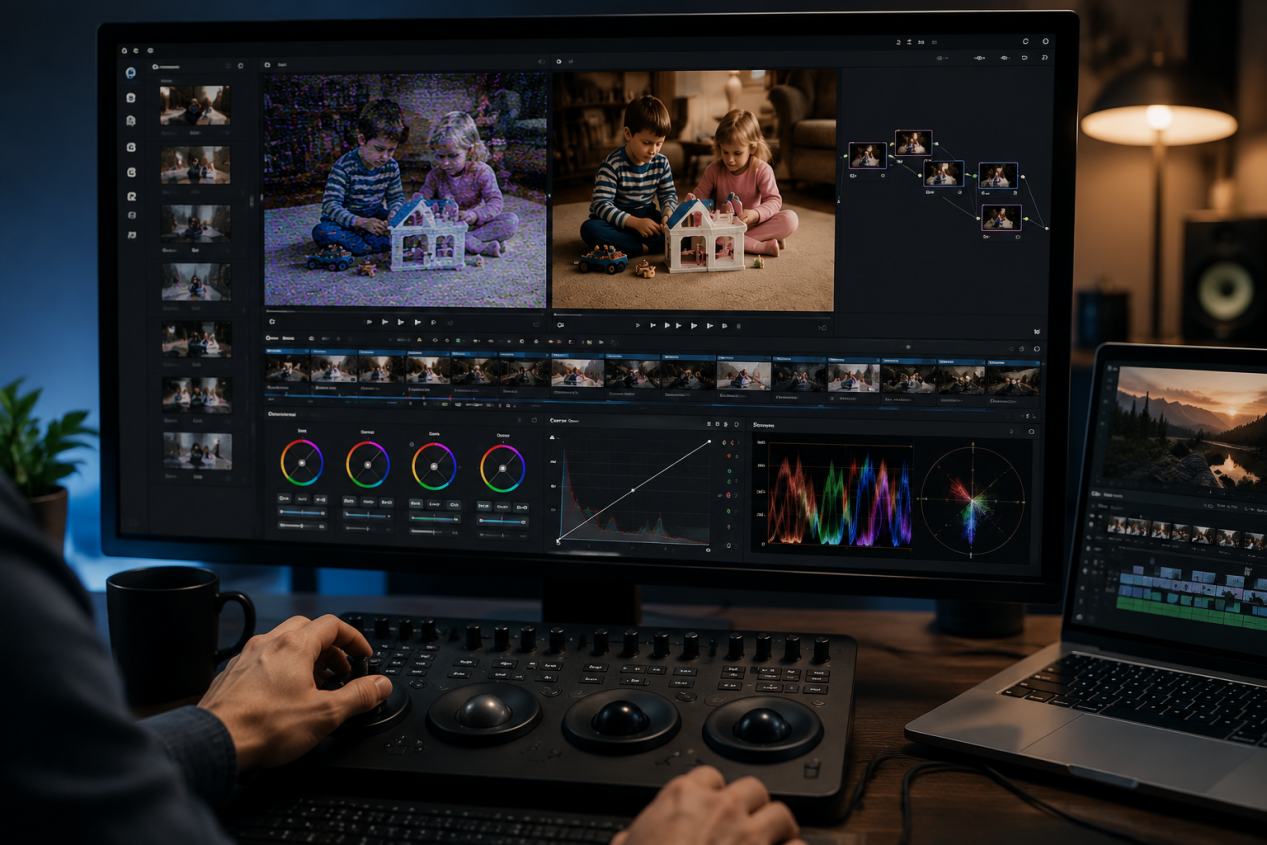
Professional Editing Software |
Adobe Premiere Pro, DaVinci Resolve |
Editors and users who need detailed control |
Around $5–$20 per tape equivalent |
Offers the highest level of manual control for color correction,
masking, and frame-level adjustments |
Estimated costs may vary depending on the service package, subscription plan, video length, and restoration requirements.
Tips to Improve VHS Video Restoration Results
Better restoration results depend not only on software but also on the quality of the original footage.
Capture the Best Possible Source Quality
When digitizing VHS tapes, use reliable equipment and avoid unnecessary compression. A better source file gives restoration tools more information to work with.
Restore Before Upscaling
It is usually better to improve the original footage first before increasing resolution. Upscaling low-quality footage too early may also enlarge existing flaws.
Keep the Original File
Always save the original digital copy before restoration. This allows you to compare different results and preserve the original recording.
Frequently Asked Questions About VHS Video Restoration
Can AI restore old VHS videos?
Yes. AI can improve common VHS issues such as noise, blurry details, and faded colors. However, the final result depends on the quality of the original footage and the information available.
Do I need to digitize VHS tapes before restoration?
Yes. Digitization and restoration are different steps. Digitization converts physical VHS tapes into digital files, while restoration improves video quality after conversion.
Can AI improve VHS video quality to 4K?
AI can upscale VHS footage to higher resolutions and make it more suitable for modern screens. Tools like HitPaw VikPea include AI upscaling features that can help enhance older videos and improve their viewing quality. However, AI cannot create details that were never recorded in the original footage.
What is the best way to clean up VHS footage?
The best method depends on your situation. Professional services are useful for physical tapes, while AI restoration tools such as HitPaw VikPea provide a simpler workflow for improving already digitized footage.
Final Thoughts
VHS video restoration is not only about improving image quality. It is about preserving memories that may become harder to watch as old tapes continue to age.
Digitization helps preserve original footage, while restoration improves the viewing experience. With AI-powered restoration solutions like VikPea, more users can enhance old VHS videos without needing advanced editing skills.


