



Introduction
Pokémon GO is built around exploring real-world locations, but many players cannot always travel to new cities or participate in events happening in different regions. This has led to growing interest in how to spoof Pokémon GO and access locations virtually.
Pokémon GO spoofing usually involves changing a device’s GPS location so the game detects a different position. However, different spoofing methods have different requirements, features, and limitations. This guide compares the most common options for Android and iPhone users in 2026.
What Is Pokémon GO Spoofing?
Pokémon GO spoofing means modifying the GPS information sent by a device. Instead of physically moving, players can select a virtual location and make their device appear to be somewhere else.
For example, a player in one country may set a virtual location in another city to explore different areas, join raids, or access region-specific Pokémon. However, spoofing is not officially supported by Niantic and may violate Pokémon GO’s Terms of Service. Players should understand the potential risks before using any method.
Common Pokémon GO Spoofing Methods in 2026
1. Desktop GPS Location Changers
Desktop GPS changers are one of the most common options for iPhone users because iOS limits direct GPS modification. These tools connect a smartphone to a computer and allow users to control their location through a map interface.
Most desktop solutions offer features such as:
- Changing GPS location to a selected point
- Creating virtual routes between multiple locations
- Simulating movement speed
- Using joystick controls for manual movement
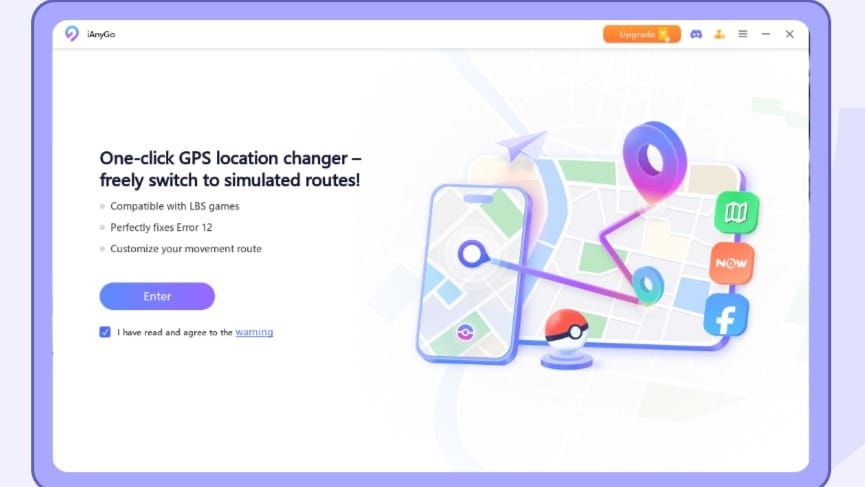
Some tools, such as iAnyGo and Dr.Fone Virtual Location, focus on providing an easier location-changing experience for both iPhone and Android users without requiring modified versions of Pokémon GO.
The main advantage of desktop-based tools is their simple setup. Users can usually select a location and start changing their GPS position without installing unofficial versions of the game. However, they require access to a computer during setup or use.
2. Android GPS Joystick Apps
Android users have more flexibility because the operating system allows greater control over location settings. GPS joystick apps can simulate movement directly from an Android phone.
Common examples include Fake GPS Location and GPS Joystick by The App Ninjas. These apps usually provide features such as:
- Virtual joystick movement
- Adjustable walking speed
- Route simulation
- Mock location support
However, the setup process can vary depending on the Android brand and version. Some users may need to enable Developer Options, configure mock location settings, or adjust additional system permissions.
Compared with desktop tools, Android joystick apps offer more direct control but usually require more technical knowledge.
3. Rooted or Jailbroken Solutions
Some advanced users choose rooted Android devices or jailbroken iPhones because these modifications provide deeper system access.
On Android, tools such as Magisk are commonly used for managing root access. For older iPhone models, jailbreak tools such as checkra1n have been used by some users to modify system-level settings.
While these methods may offer additional control, they also come with disadvantages. Rooting or jailbreaking can affect device security, system stability, and future software updates. For many casual players, these approaches are more complicated than necessary.
4. VPN Services
A common misunderstanding is that VPNs can spoof Pokémon GO locations. In reality, VPNs only change a device’s IP address and internet location.
Since Pokémon GO relies on GPS data rather than only network information, a VPN such as NordVPN and ExpressVPN cannot change the location shown inside the game. Some players may use VPNs for privacy, but a VPN alone is not a Pokémon GO spoofer.
Pokémon GO Spoofer Comparison
How to Choose a Pokémon GO Spoofer
The best method depends on the device and the user’s experience level.
iPhone users often prefer desktop GPS changers because iOS provides fewer options for directly modifying location data. Android users usually have more choices, including joystick apps and system-level solutions.
Feature requirements also matter. Players who only need occasional location changes may prefer simple tools, while users who want to simulate movement or create routes may need solutions with more advanced controls.
Device compatibility is another important factor. Android versions, iOS updates, and manufacturer settings can affect whether a spoofing method works correctly.
FAQ
Can you still spoof Pokémon GO in 2026?
Yes. GPS spoofing methods are still available, including desktop location changers and Android joystick apps. However, each method has different requirements and potential risks.
What is the easiest way to spoof Pokémon GO on iPhone?
Many iPhone users choose desktop GPS changers because they do not require jailbreak and provide location controls through a computer interface.
Can a VPN change Pokémon GO location?
No. A VPN changes network information but does not modify GPS coordinates used by Pokémon GO.
Final Thoughts
Pokémon GO spoofing methods have continued to evolve in 2026. Android joystick apps provide more customization, while desktop GPS changers offer a simpler option for many iPhone users.
Before choosing a Pokémon GO spoofer, players should compare features, device compatibility, and setup requirements to find the method that best fits their needs.


