



Loading the Elevenlabs Text to Speech AudioNative Player...
If you find auto-playing videos in Google Photos distracting or resource-draining, there’s a solution. Grid playback, which provides video previews directly in the gallery, can consume both data and battery.
Fortunately, Google now lets users disable this feature, offering a more controlled and seamless browsing experience. Here's now to do it.
How to use Google Photos Magic Editor
This will help you easily hide distractions and brighten up your photo.
 David Adubiina
6 steps to disable video playback on Google Photos
💡
Make sure you’re using the latest version of Google Photos on your Android or iPhone.
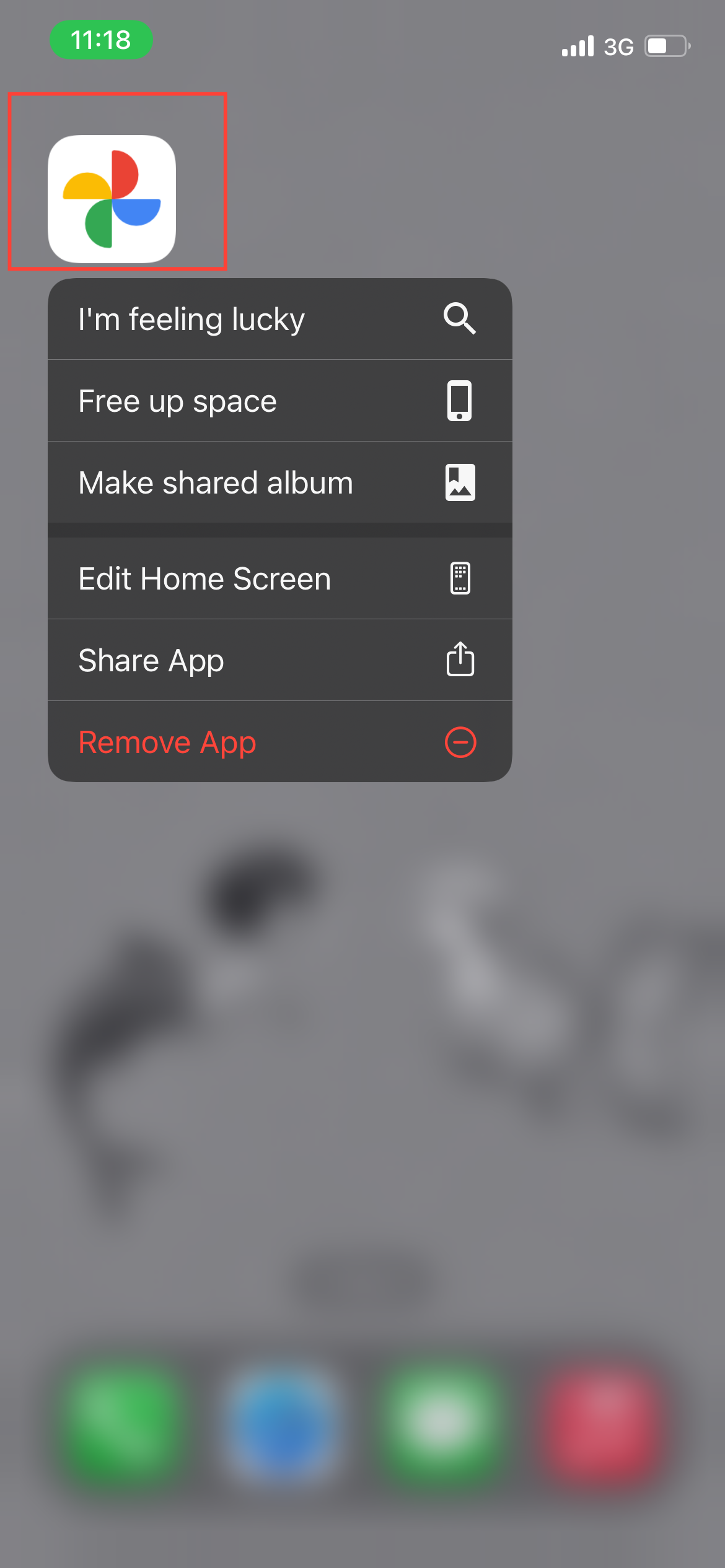
Step 1: Launch Google Photos on your device.
Subscribe for free to continue reading this article
Subscribe SubscribeAlready have an account? Log in


