



Meta AI Video Generator vs. MagicLight AI: Which Wins?
Creating a quick video for Instagram is quite different from putting together a story with several scenes. The Meta AI video generator handles short clips using text prompts or images, while MagicLight AI takes on larger storytelling projects. With its Agent, you can build videos around a script, complete with characters, voiceovers, and music. Both tools serve different creative needs, so let's compare how they work and what each offers.
Part 1. Meta AI Video Creation Workflow
Meta AI aims to use its video tool for short clips made to be posted right away, not edited at length. Clips begin as a fresh prompt or a remix, and sharing to Vibes, Instagram, or Facebook happens in the same app. Long-form production sits outside that design, since no step links one clip to the next.
Generation Process
Users do not need a detailed production setup to begin. The Meta AI video generation process starts with a basic idea and moves through a few simple steps; here’s how:
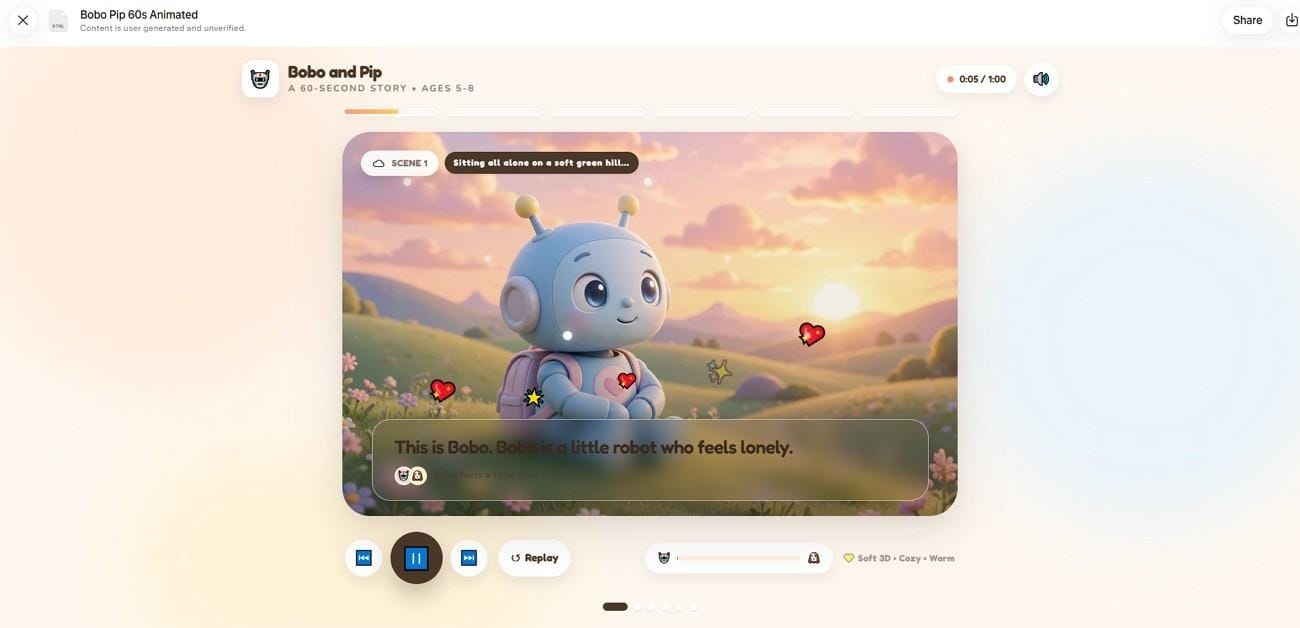
- Enter the Idea: A text prompt covering the scene and the mood starts a new clip, and uploaded images can be added as visual elements.
- Create or Remix: Each prompt returns 4 video variations, and the remix button on any Vibes clip offers a ready-made starting point.
- Adjust the Result: Styles and on-screen elements can be swapped after generation, and music goes on top as a separate layer.
- Share the Video: A finished clip can go to the Vibes feed, a direct message, or Instagram and Facebook as a Story or Reel.
Customization Options
Edits in Meta AI work on a clip that already exists, so the original footage stays as the base. Restyle handles most of this work through more than 50 preset prompts, each changing the clip’s look in a set way. A preset might swap an outfit, change the location, or give the footage a graphic novel look. Each edit covers up to 10 seconds of video, so these tools suit social posts better than longer stories.
Accessibility
The video generator works on iPhone, Android, and the web through the Meta AI app and meta.ai. Some of its features are only offered in certain countries. In February 2026, Meta began testing a standalone Vibes app for making and browsing AI videos. Restyle also appears inside Meta’s Edits app, the video editor aimed at Instagram creators.
Part 2. Meta AI vs. MagicLight AI: Key Differences
The Meta video generator and MagicLight AI both support video creation, but they are built for different types of projects. Meta works best for quick clips and social sharing. MagicLight AI is a video creation platform made for complete, narrated stories. A short conversation with its Agent produces a screenplay, storyboard scenes, and a production plan with costs attached.
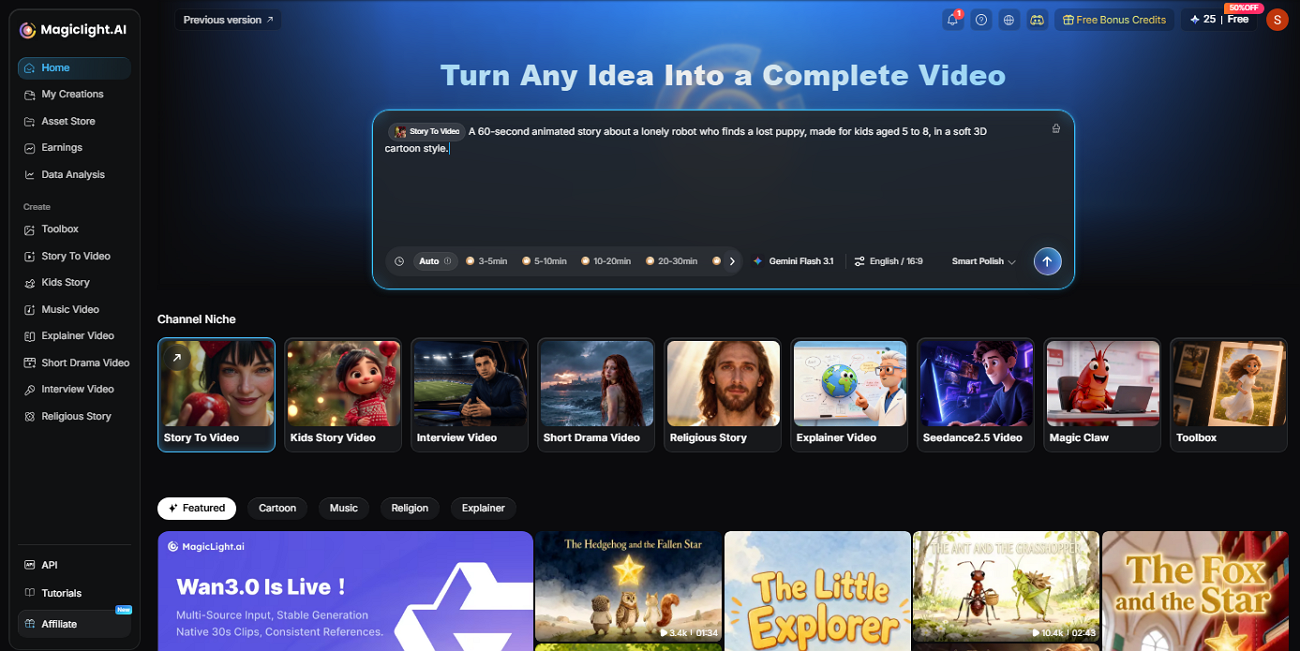
Rendering happens in Story to Video, which keeps the characters consistent and adds voices and music. The tool prepares character visuals and other assets before video generation to keep the look consistent across scenes. It supports Story to Video, Short Drama, Kids Story, Religious Story, Explainer Video, and Interview formats, giving users a diversity of options. The comparison below shows where each one fits best:
AI Video Generation
The Meta text-to-video generator turns prompts or photos into short clips, and Meta shares few details about the model behind it. In July 2026, Meta previewed Muse Video, a newer model with native audio that is coming to Meta AI. MagicLight AI instead gives access to 20 video models from families like Kling and Seedance. It also has 5 image models for designing characters or images before animation.
Storytelling Workflow
Meta AI works one clip at a time, so you have to generate, download, and edit a multi-scene story by hand. That makes a video generator workflow hard to use for anything longer than one short scene. MagicLight AI plans the whole story first, then renders every scene from the same script and cast.
Customization
Meta AI’s options, including music and the Restyle presets, are designed for fast visual changes. MagicLight AI gives creators more control over the production itself. In the storyboard, each shot has its own Clothes, Poses, and Expressions controls, which are set before anything renders. Voiceovers draw on 37 stock voices in 11 languages or a cloned voice, and 40 music tracks cover the soundtrack.
Video Length
A session with an “AI Meta video generator” produces clips measured in seconds, and Restyle edits cover no more than 10 seconds of footage. With MagicLight AI’s Long Video Generator, a paid plan allows one video to last up to 50 minutes, long enough for a full lesson.
Pricing
As for price, Meta AI’s video features are free to start with, although usage limits vary by region. The paid Meta One plans, Core at $7.99 a month and Premium at $19.99, add more AI capacity without published limits. MagicLight AI is free to try without a card, and its Standard plan costs $7.50 a month. Every paid tier offers 1080p video quality, along with a general commercial license.
Conclusion
For a playful clip headed to Instagram, Facebook, or Vibes, the Meta AI video generator asks for less effort and is free to start. MagicLight AI fits projects that need a planned script and one steady cast across several narrated scenes. For story channels, teachers, and brands, that extra structure is usually worth it.


