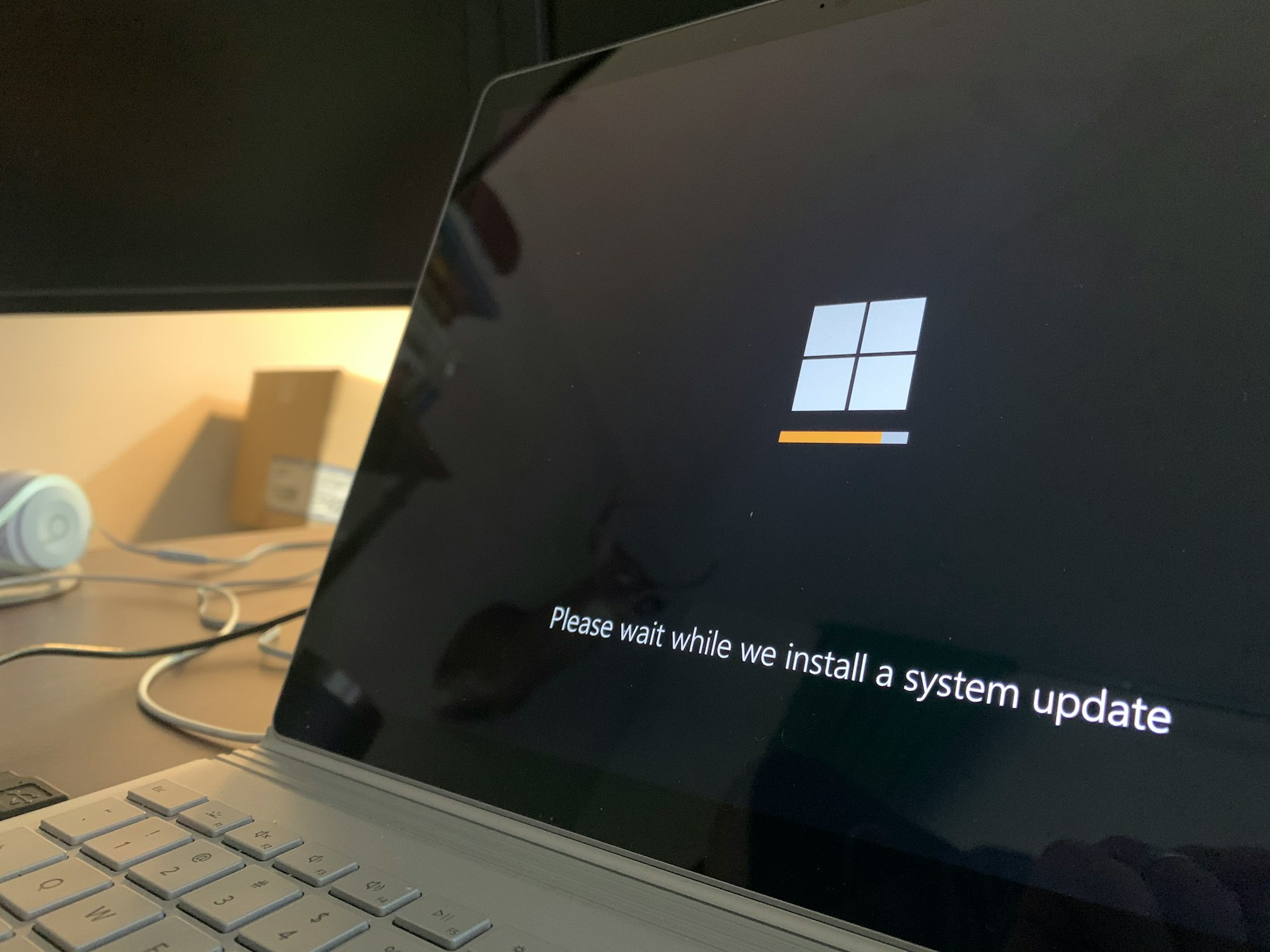
"Something didn't go as planned. Undoing changes." You've probably seen this message before, and you know how frustrating it feels. Well, some users may experience this frustration again, as Microsoft just admitted it's happening again.
The May 2026 security update might fail to install. The problem seems to emerge from a tiny partition on your drive called the EFI System Partition. It needs at least 10MB of free space. If there's less, the update crashes at around 35-36% and rolls back.
"On affected devices, the installation might proceed through the initial phases but fail during the reboot phase at approximately 35-36% completion," Microsoft said.
Right after the company published a blog post titled "Improving Windows Quality" about the steps it's taking to improve Windows, this update failed. Such bad timing for the company.
Microsoft suggests two ways to resolve this issue. The first is to "allow update installation by modifying ESP registry settings," and the second is to "mitigate through Known Issue Rollback (KIR)," which has already been pushed automatically to consumer devices.
The situation is further complicated by the fact that last Patch Tuesday, Microsoft fixed dozens of critical vulnerabilities, making it even more urgent for users to update their devices. Microsoft has also admitted that the issue affects Windows 11 25H2 and 24H2.
Failing to install updates isn't particularly new for Microsoft, as it's happened many times over the years. Back in the days of Windows 7, updates heavily froze or failed right around 35% because Windows tried to hand over control from its generic display driver to your actual OEM graphics driver (Nvidia or AMD). This also happened with Windows 10 and even 11.
Microsoft claims it's improving Windows, but this situation indicates that the company still has a long way to go.
 Ogbonda Chivumnovu