In the past few years, Discord has become one of the go-to homes for online communities, from gamers and creators to study groups and open-source developers. But that relationship has started to feel strained for many users.
Recently, the company announced that starting in March, all accounts would be treated as teen accounts by default, requiring users to either submit a government-issued ID or allow a face scan to fully unlock their accounts. The move is aimed at strengthening age verification and safety, but it has left a bitter taste in the mouths of many long-time users.
Concerns around privacy, data storage, and potential misuse have been amplified by Discord’s recent data breach issues, making some users uncomfortable with handing over sensitive personal information. Discord has said that data collected for verification purposes would either remain on the users' phones or be deleted.
For people who rely on Discord daily, the idea of walking away isn’t easy. Still, if you’re looking for platforms that offer similar community, voice, and collaboration features without mandatory identity verification, you do have options.
Here are five Discord alternatives worth checking out:
1. Stoat (formerly Revolt)
Stoat is an open-source, community-driven chat platform designed specifically as a Discord-style alternative. It offers servers, channels, roles, direct messages, and voice chat, with an interface that will feel familiar to long-time Discord users.
One of Stoat’s biggest advantages is its focus on privacy and user control. Because it’s open-source, anyone can inspect the code or even self-host their own instance, giving communities greater ownership of their data. The platform has also been steadily improving its mobile and desktop apps, along with moderation tools and bot support.
Stoat is a strong option for users who like Discord’s structure but want a lighter, more transparent platform that isn’t pushing identity verification.
2. Mumble
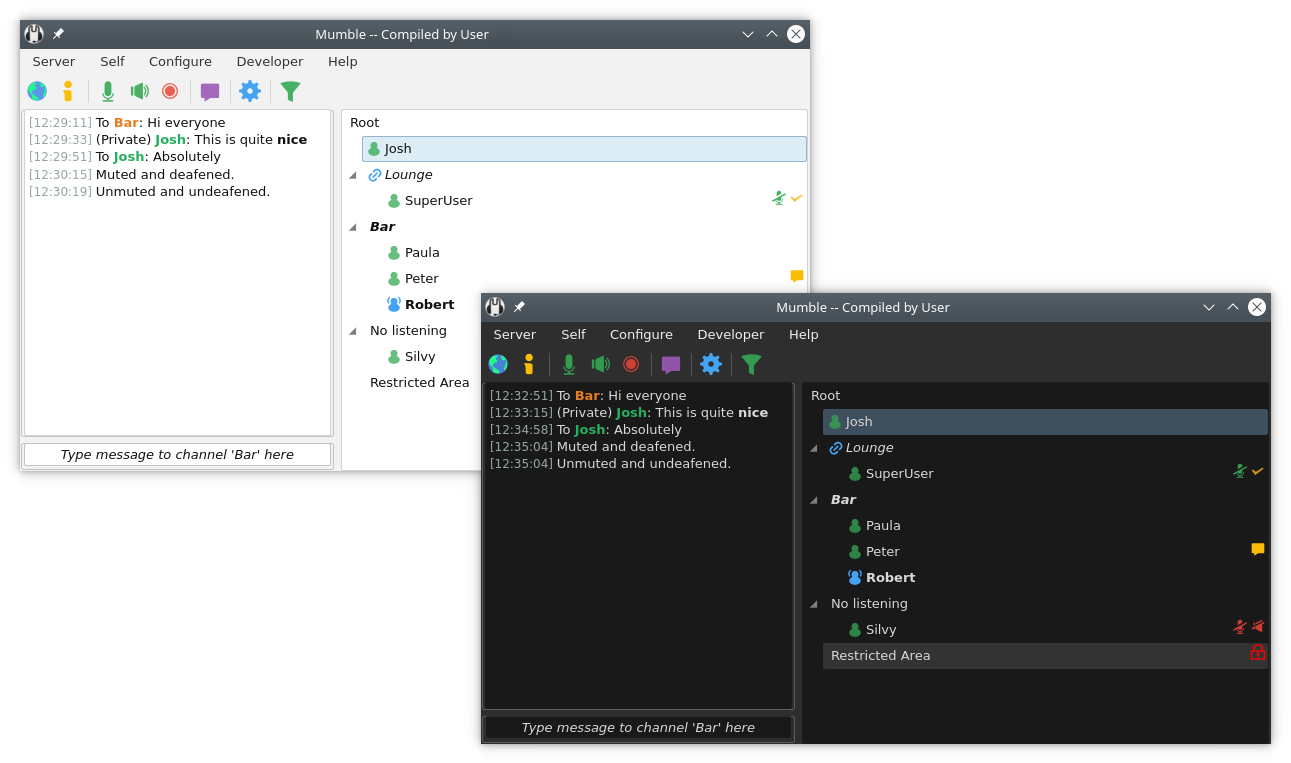
Mumble takes a more minimalist and open-source approach to communication. The platform is best known for its low-latency, high-quality voice chat, which makes it a favourite among competitive gamers and technical communities.
Unlike Discord, Mumble focuses less on flashy UI and more on performance and privacy. Users can host their own servers, giving them full control over data and moderation. Text chat, positional audio, and encryption are built-in, and the lightweight nature of the app means it runs smoothly even on older systems.
Mumble is a strong option for users who primarily care about voice communication and value open-source software.
3. Microsoft Teams
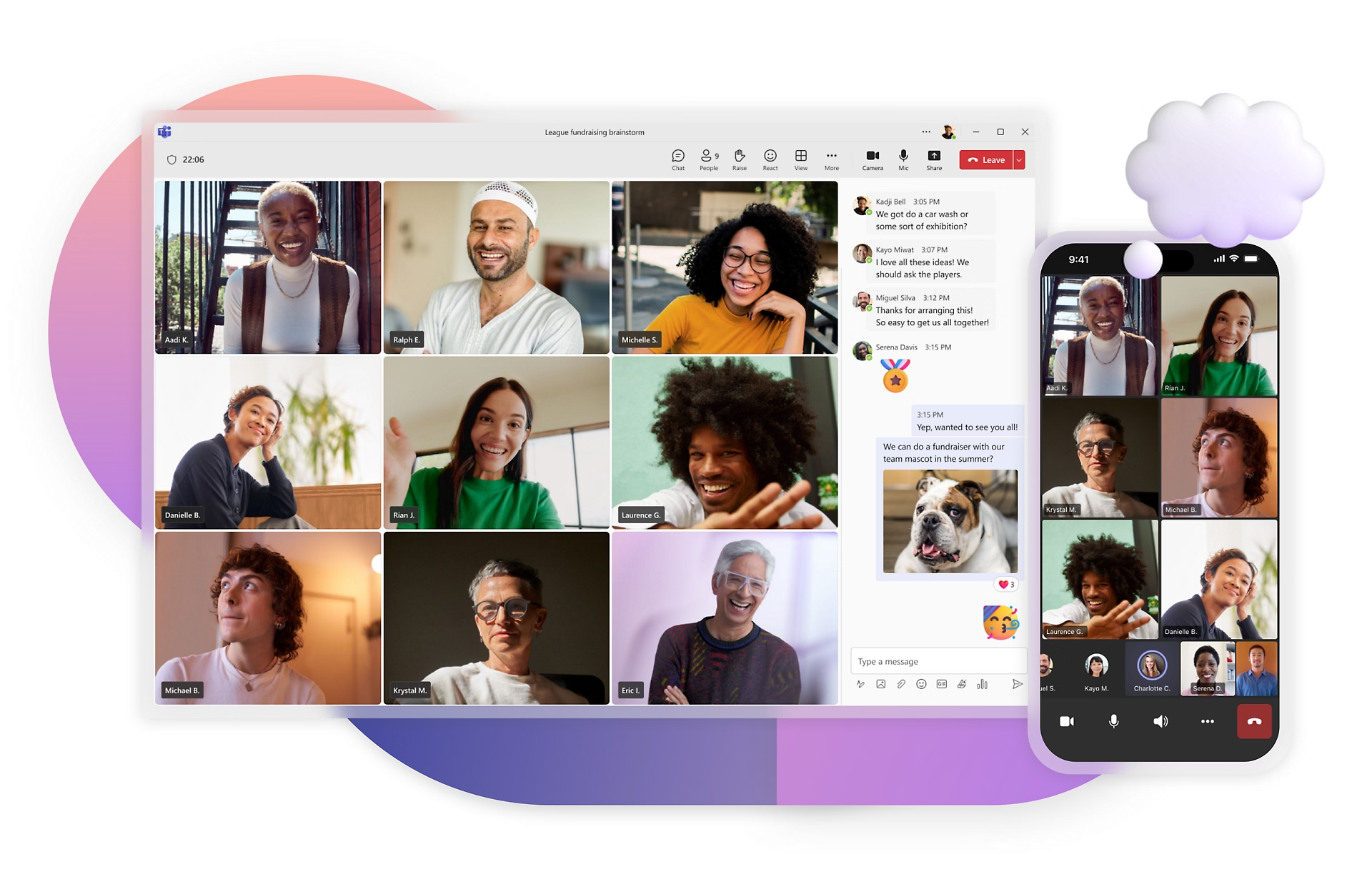
Microsoft Teams may not be marketed as a Discord competitor, but its feature set overlaps more than you might expect. Originally built for workplace collaboration, Teams now supports persistent chat channels, voice and video meetings, screen sharing, file storage, and integrations with third-party apps.
Recent updates have improved Teams’ performance and user interface, making it more approachable for casual users and communities. Microsoft has also pushed deeper integration with Windows, which makes onboarding easier for millions of users.
Teams, as an alternative to Discord, is best suited for professional communities, study groups, and project-based teams. Basically, it's for those who use Discord mainly for collaboration rather than gaming culture. It gives structure and productivity tools alongside real-time communication.
4. WhatsApp

WhatsApp might seem like an unconventional replacement for Discord, but it has quietly evolved into a capable community platform. The app now supports large group chats, Communities (which organise multiple groups under one umbrella), voice and video calls, and Channels for broadcasting updates.
End-to-end encryption remains one of WhatsApp’s biggest selling points, offering stronger privacy guarantees for messages and calls. The app’s massive global user base also means most people already have it installed, reducing friction when moving a group.
WhatsApp works best for smaller communities, friend groups, and creators who want direct, private communication with followers. While it lacks Discord’s server-style organisation, its simplicity and security-first approach make it appealing.
5. Slack
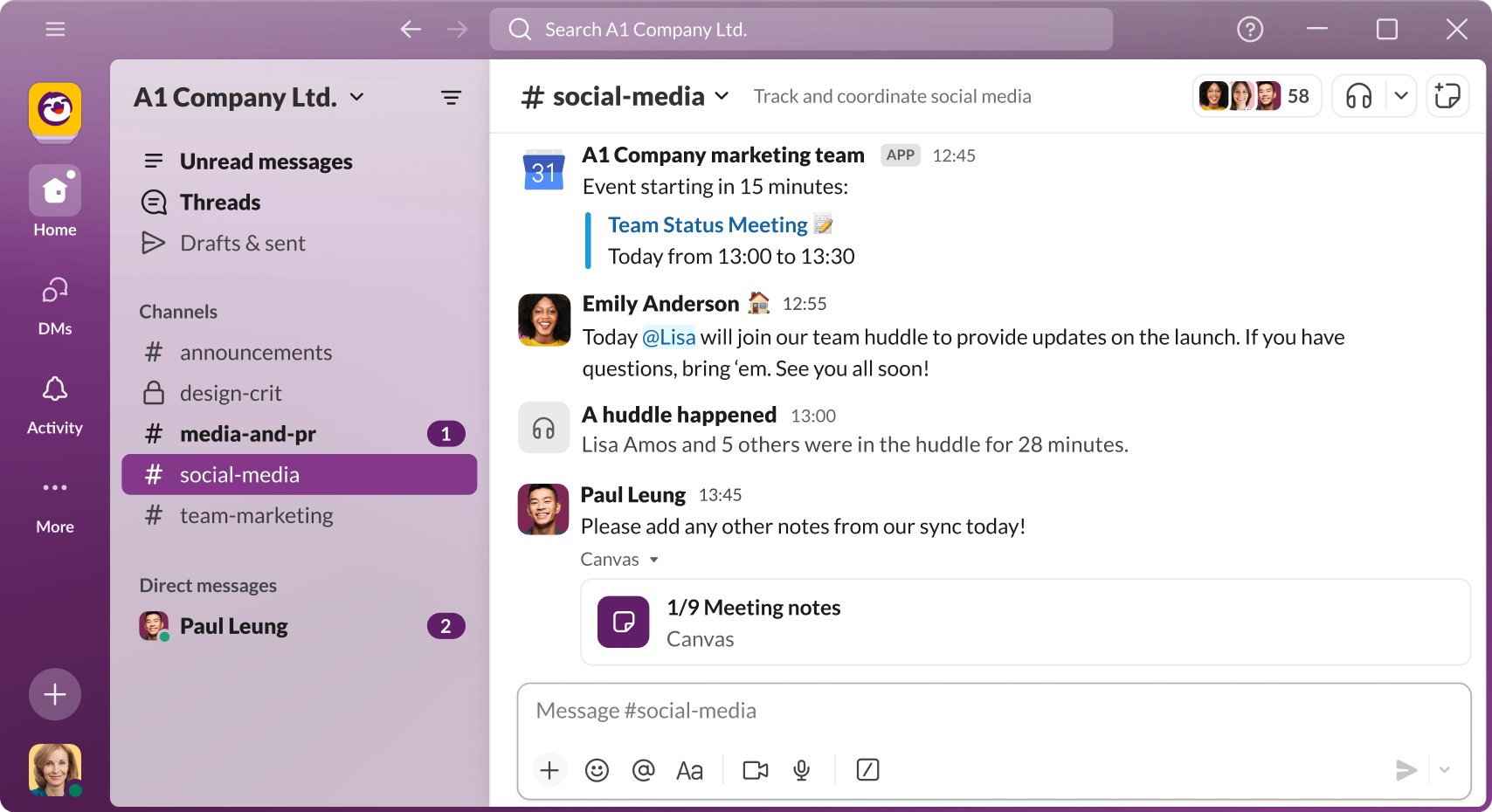
Slack is another workplace-focused platform that doubles as a community hub. It offers channels, direct messages, voice huddles, video calls, file sharing, and a huge ecosystem of integrations.
Over the years, Slack has added features like canvas documents, workflow automation, and improved huddles, making it more versatile than simple chat software. While free plans come with limitations, Slack remains a powerful option for organised discussions and long-term projects.
Slack is ideal for tech communities, startups, open-source teams, and professional groups that value structured conversations and searchable history. If you liked Discord’s channel-based organisation but want a more productivity-oriented environment, Slack fits well.
 Louis Eriakha