



For small studios, independent sellers, educators, and freelance creators, the main barrier to 3D production is often the cost of testing an idea. A custom asset may take days of specialist work, and several rounds of exploration can consume a limited budget before the team knows which direction deserves further investment.
AI 3D tools reduce that early cost. A text prompt, product photo, or sketch can produce a textured model within minutes through a cloud service. The result still needs review, especially for customer-facing, animated, or manufacturing work. Its value lies in helping teams evaluate more ideas before committing to full production.
The Cost of Testing Is the Main Constraint
A small game team may have concepts for hundreds of props but enough budget for only a limited number of manually produced assets. An online seller may want a rotating product view without maintaining an in-house 3D department.
Traditional production often starts with a freelance brief or several hours of manual modelling. That makes sense for a final hero asset, but it is expensive while the team is still comparing shapes, styles, or product directions.
AI generation adds a lower-cost validation stage. Teams can create several rough options, review them in context, and send the strongest direction into detailed production.
What Changed With Text-to-3D and Image-to-3D?
Early AI-generated models often looked acceptable in screenshots but created problems after export. Weak UVs, broken surfaces, arbitrary scale and poor topology limited their usefulness.
Current tools have improved geometry, texturing and export workflows. Meshy says Meshy-6 can produce watertight meshes and supports formats used across games, AR, and 3D printing.
Text-to-3D turns a written description into geometry and textures. It works well during early exploration, when the creator wants to compare several directions.
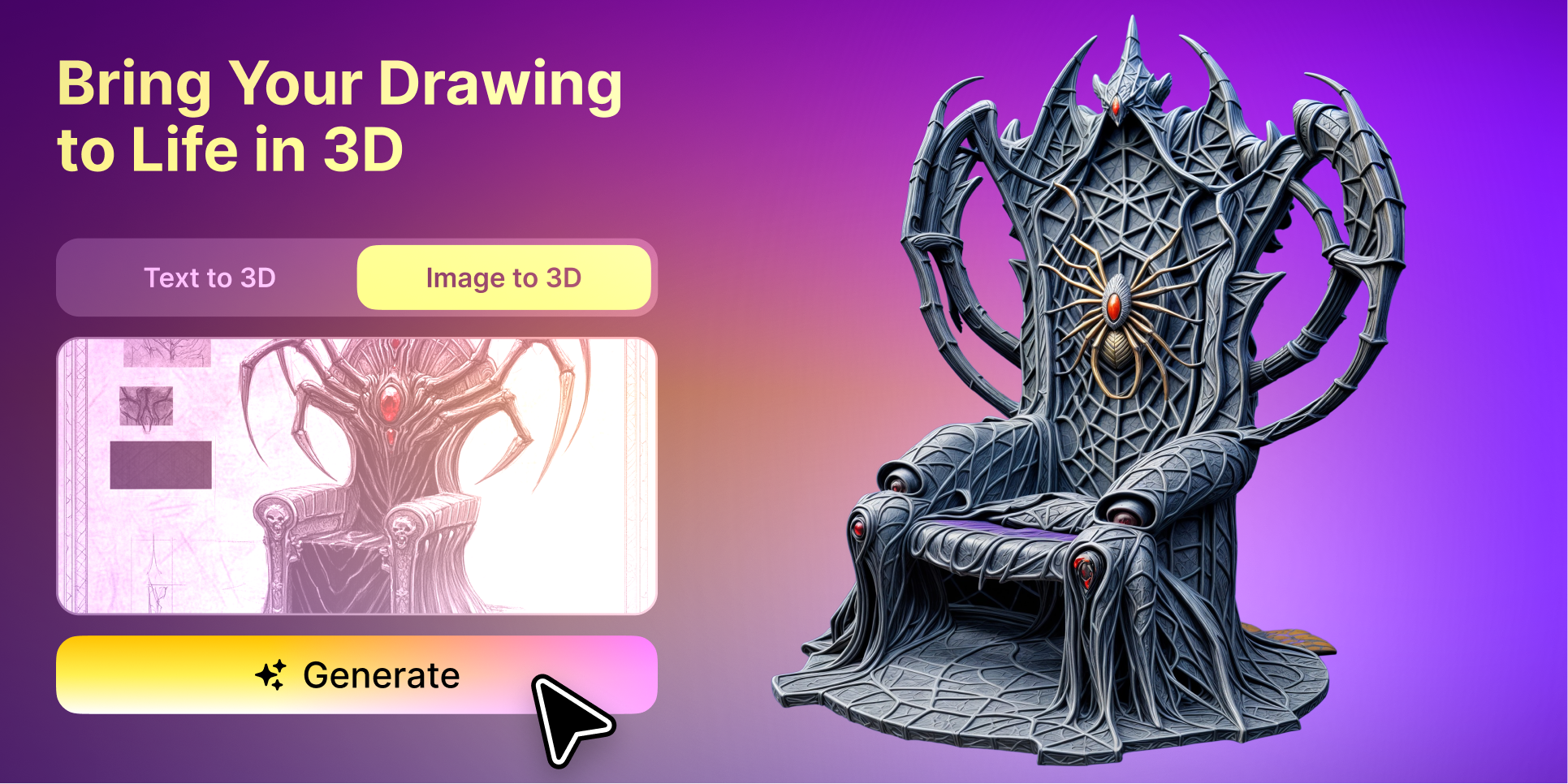
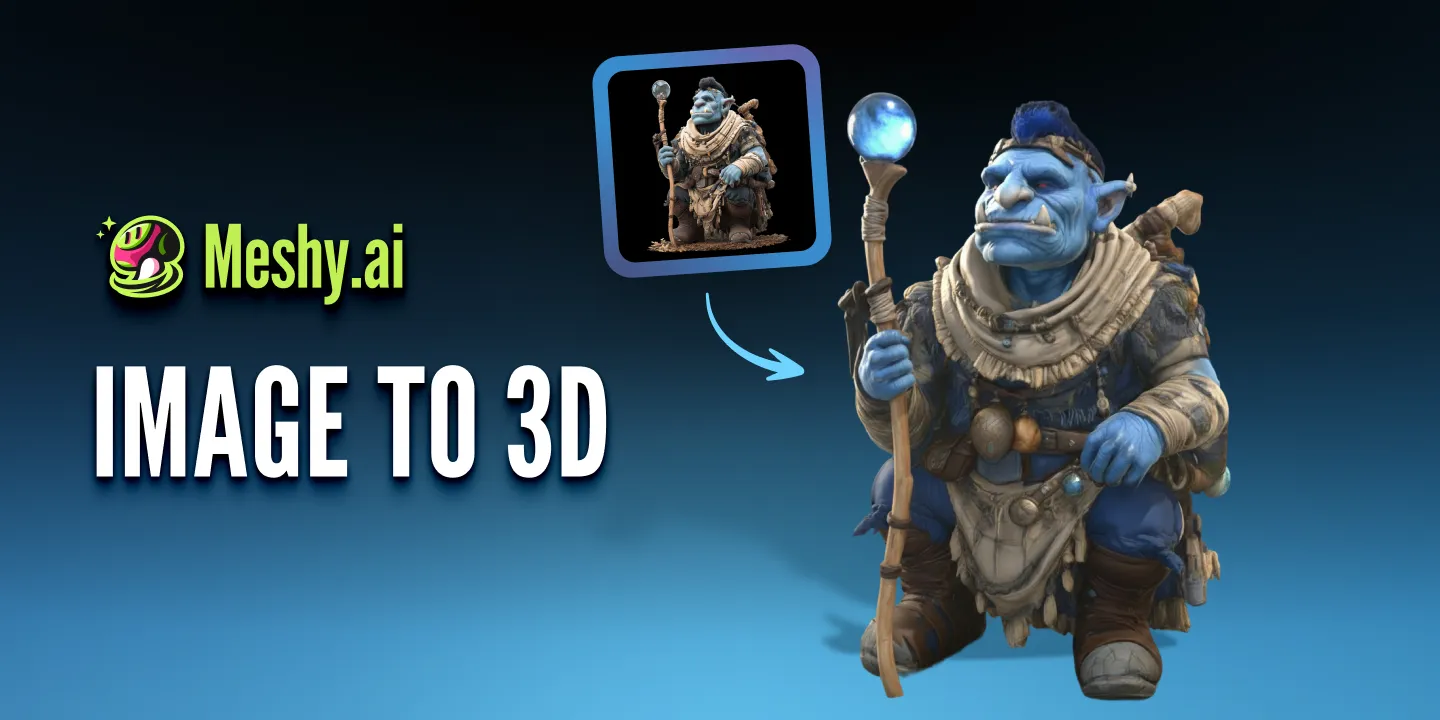
Image-to-3D reconstructs a model from a photo, sketch or multi-view reference. It is more useful when the output needs to resemble an existing design.
Platforms such as Meshy AI combine both approaches with texturing, remeshing, and common export formats, giving smaller teams a broader workflow without requiring several separate tools.
Where AI Assets Work and Where They Fail
AI-generated assets are most reliable when the project allows some visual flexibility.
Background game props, level-dressing objects, early product concepts, and simple decorative models are practical starting points. They help teams test scale, silhouette, and art direction before spending time on final topology or detailed textures.
Hero characters are more demanding. Faces, hands, fingers, and stylised anatomy can produce distorted or fused features. Auto-rigging may struggle with unusual proportions, clothing layers, or accessories that do not connect cleanly to the body.
Product models also require caution. Image-to-3D can create a useful rotating preview from a photograph, but the output is not dimensionally verified. Manufacturing still requires CAD review, accurate measurements and tolerance checks.
An AI-generated draft can still save substantial time when the team understands which areas require human work.
AI Generation Compared With Other Production Options
These options can form different stages of the same workflow. AI supports early exploration, while artists and traditional software take over when the project needs precise control.
Can Online Sellers Avoid Building a 3D Department?
For early testing and lower-risk content, many sellers can work without a dedicated 3D team.
A clean product image can become an initial model for a rotating listing view, campaign concept or AR experiment. This helps a seller decide whether interactive 3D improves the customer experience before commissioning a fully accurate asset.
Customer-facing models still need close review. Shape, colour, materials, logos and proportions should match the real product. Items with moving parts, transparent materials or important back-side details may require professional reconstruction.
An AI 3D model maker is most useful here as the first production step. It gives the seller something concrete to evaluate and refine.
Key Takeaways
AI 3D generation lowers the cost of testing concepts and producing first drafts.
Text-to-3D is useful for broad exploration. Image-to-3D provides more control when an approved visual reference already exists.
Background assets, prototypes and product experiments are strong use cases. Hero characters, manufacturing files and exact brand assets still need specialist review.
Teams should budget for several generations, then move the strongest result into a conventional 3D workflow for final corrections.
Should You Add AI 3D Generation to Your Workflow?
AI 3D tools are useful when a team needs to compare ideas before committing a larger budget. They make early production more accessible to creators with limited hardware, specialist labour or time.
Projects that require exact repeatability, manufacturing tolerances or polished character work still need experienced artists and technical review.
A practical workflow starts with inexpensive generation, evaluates the model in its intended context and invests in detailed production after the direction has been validated.
FAQ
Can AI-generated 3D models be used commercially?
Commercial rights depend on the platform and plan. Paid plans often provide broader usage rights than free output. Review the current licence before selling or distributing a generated model.
Why does the same prompt produce different results?
Generative models include randomness. Repeated prompts may produce different geometry, proportions and textures. Save the strongest version and record the prompt and settings used.
Can an AI-generated game asset go directly into Unity or Unreal Engine?
Simple background assets may work after scale, material and performance checks. Animated characters and close-up assets usually need topology cleanup, rigging review and texture optimization.


